The Client page includes category-based navigation tabs that help you quickly access all project-related modules in an organized way. These tabs group similar tools together, making it easier to find and manage project information.
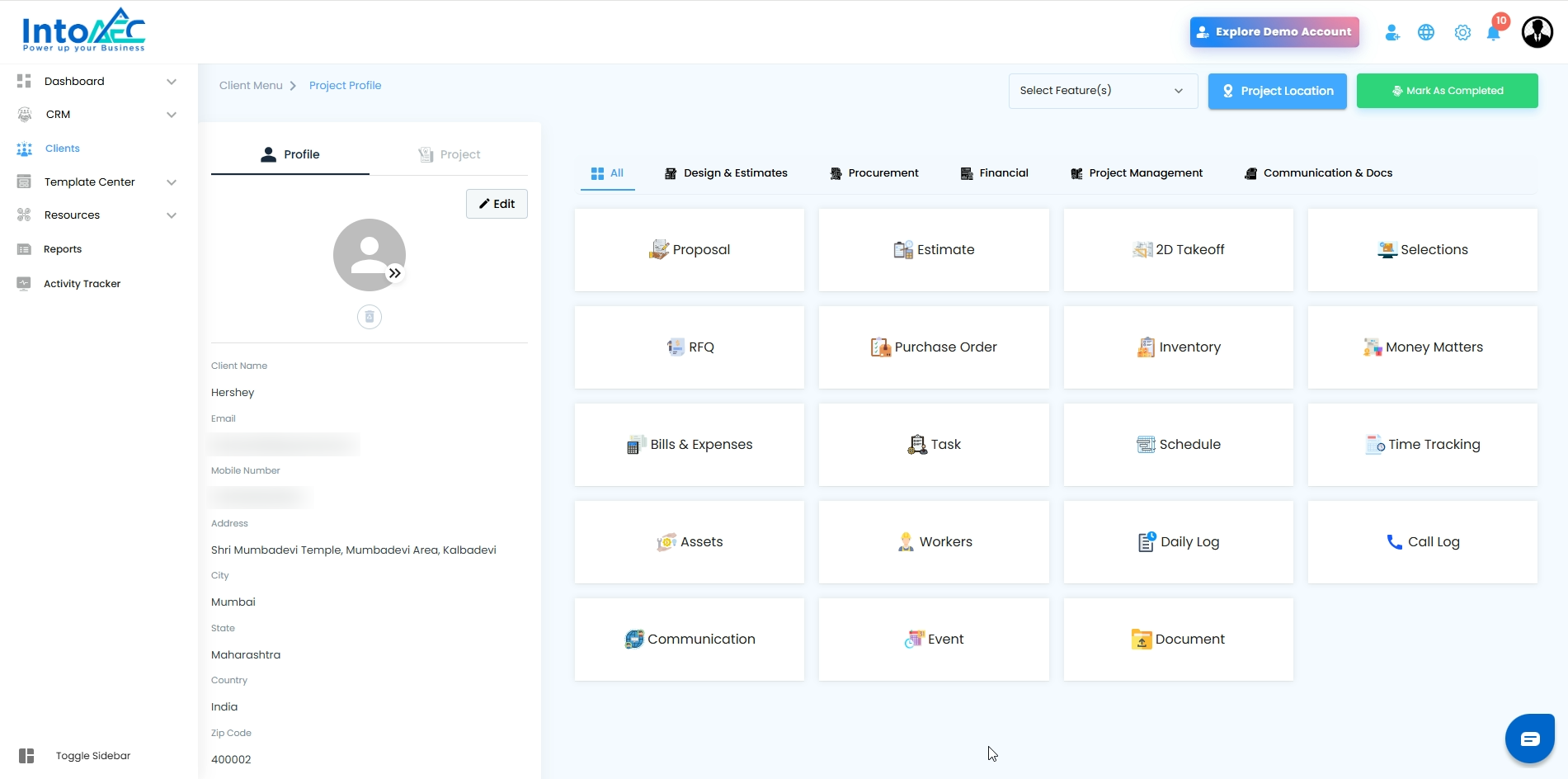
What Do the Tabs Contain?
1. All
Displays all project-related modules in a single view.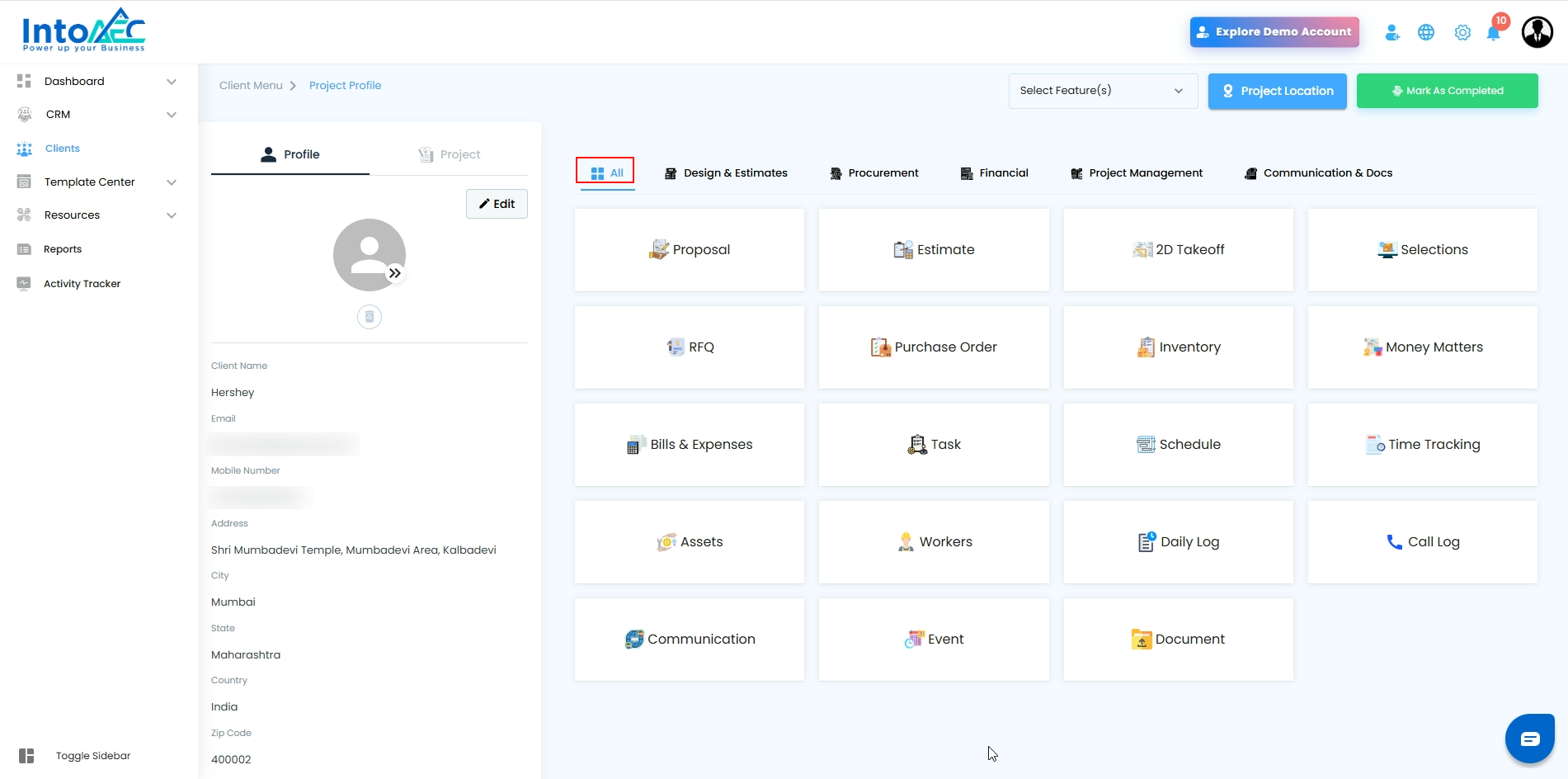
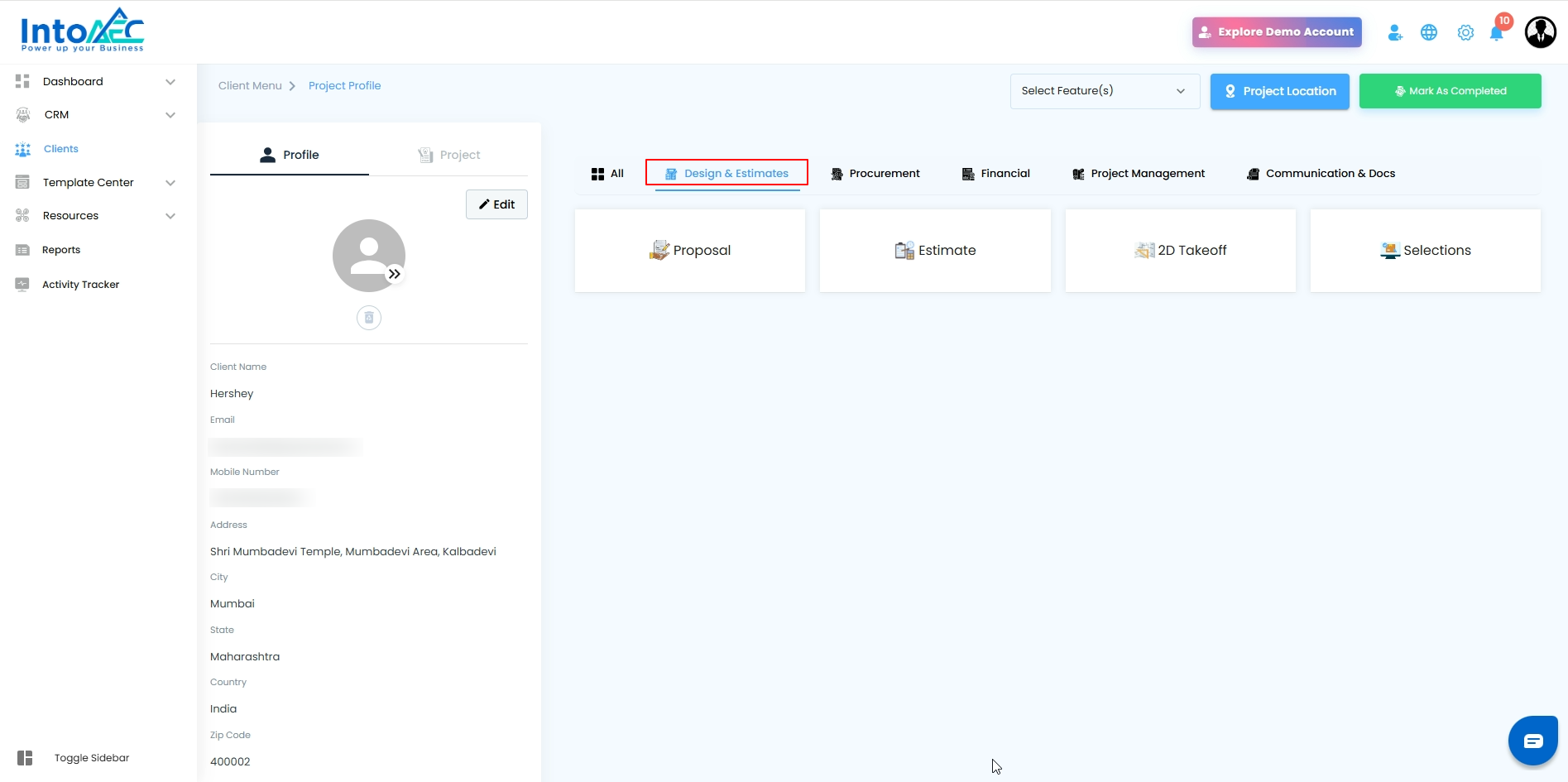
2. Design & Estimates
Includes tools related to planning, designing, and estimating:
Proposal
Estimate
2D Takeoff
Selections
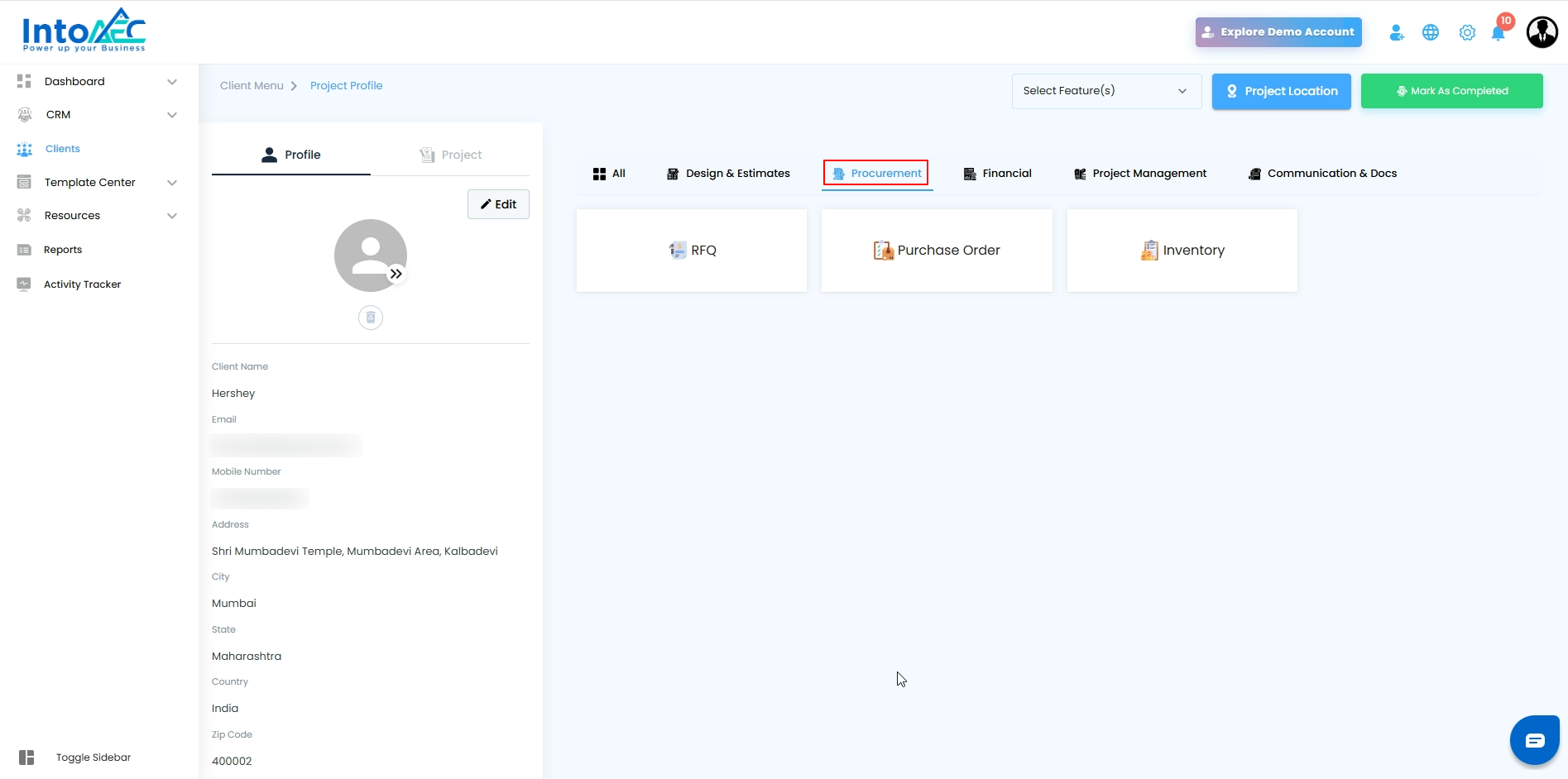
3. Procurement
Covers modules used for material purchase and vendor communication:
RFQ
Purchase Order
Inventory
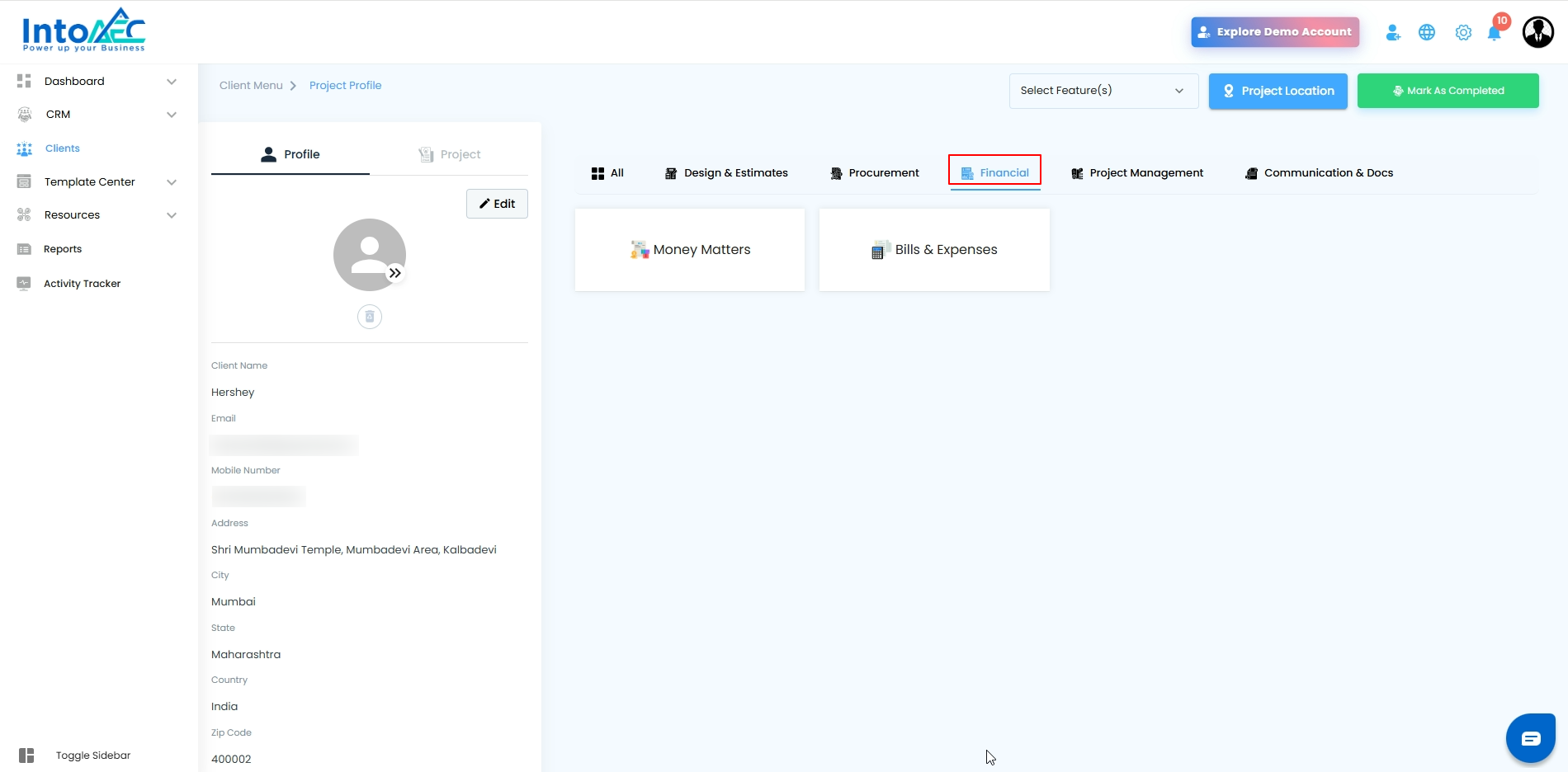
4. Financial
Contains all finance-related modules:
Bills & Expenses
Money Matters
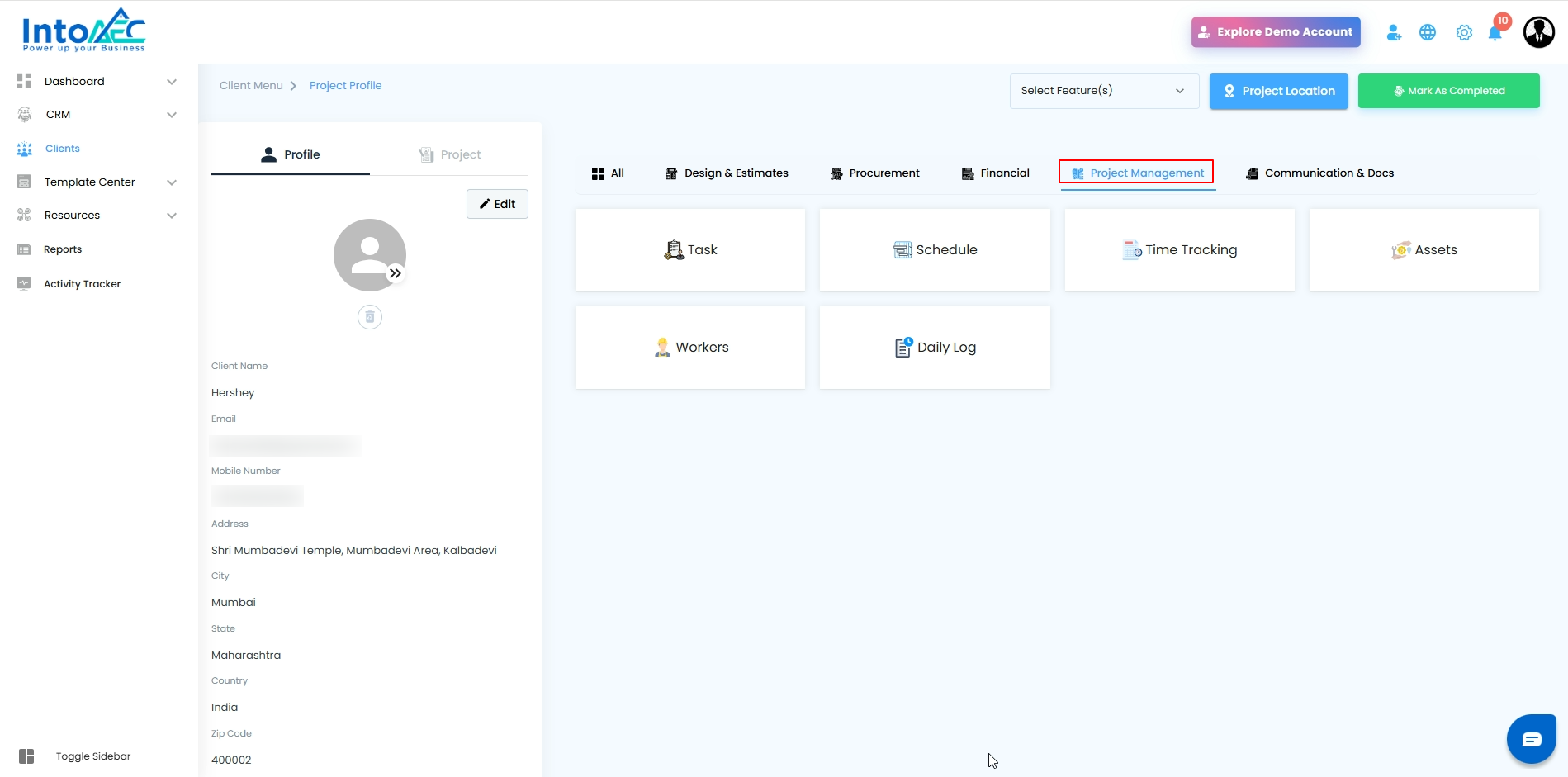
5. Project Management
Provides all tools for tracking and managing project execution:
Task
Schedule
Time Tracking
Assets
Workers
Daily Log
Call Log
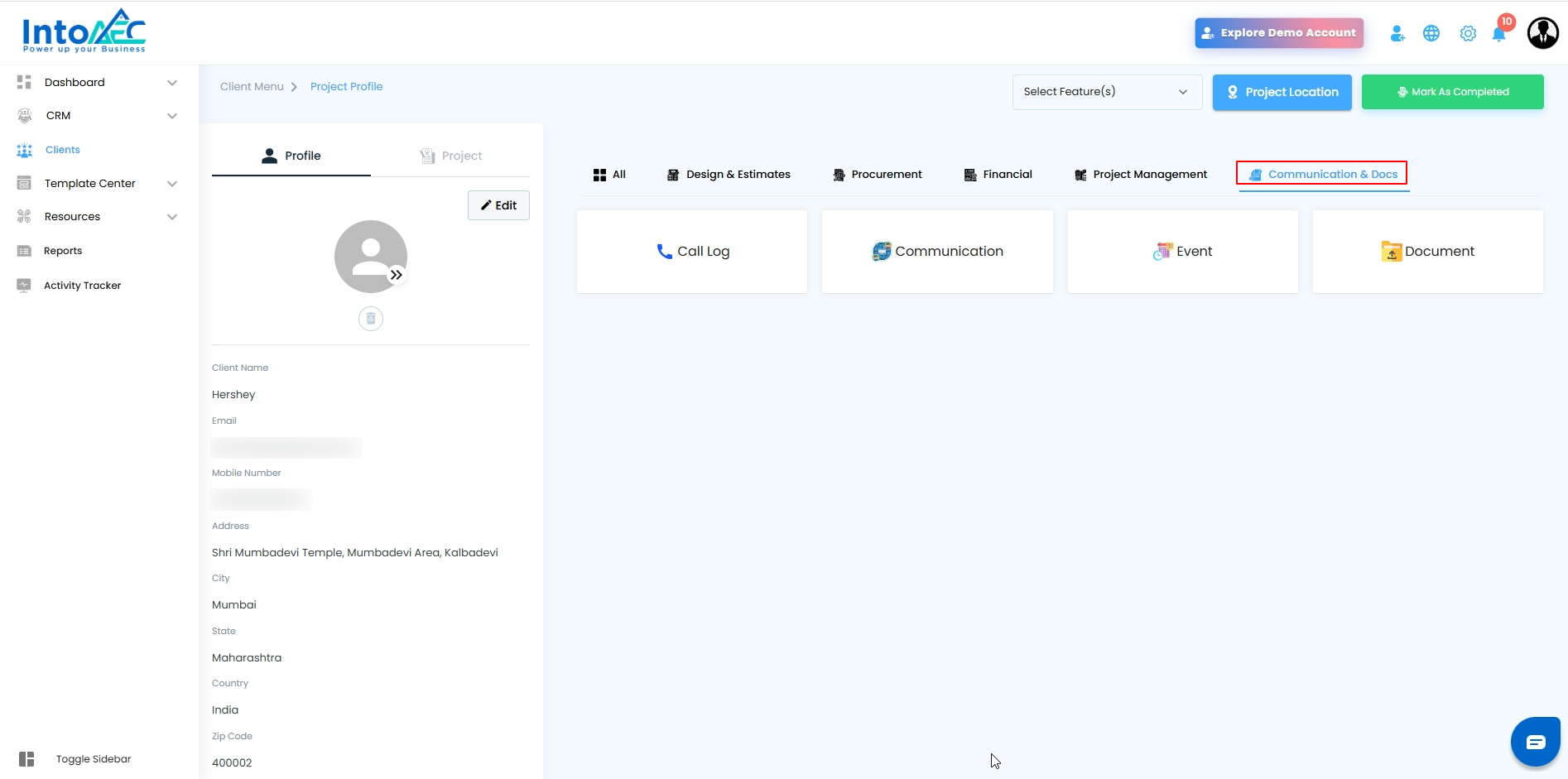
6. Communication & Docs
Includes communication and documentation tools:
Communication
Event
Document
Purpose of These Tabs
These category tabs help users:
Navigate between modules faster
Access related tools grouped together
Manage project activities more efficiently
Pro-Tip
Use the category tabs to quickly switch between related modules without scrolling through the entire list.
Was this article helpful?
That’s Great!
Thank you for your feedback
Sorry! We couldn't be helpful
Thank you for your feedback
Feedback sent
We appreciate your effort and will try to fix the article