You can permanently delete leads that are no longer required from your lead management workflow.
How to Delete a Lead
Select the lead you want to remove.
Click Delete.
A confirmation pop-up will appear.
Type DELETE in the confirmation box to proceed.
Click Confirm to permanently delete the lead.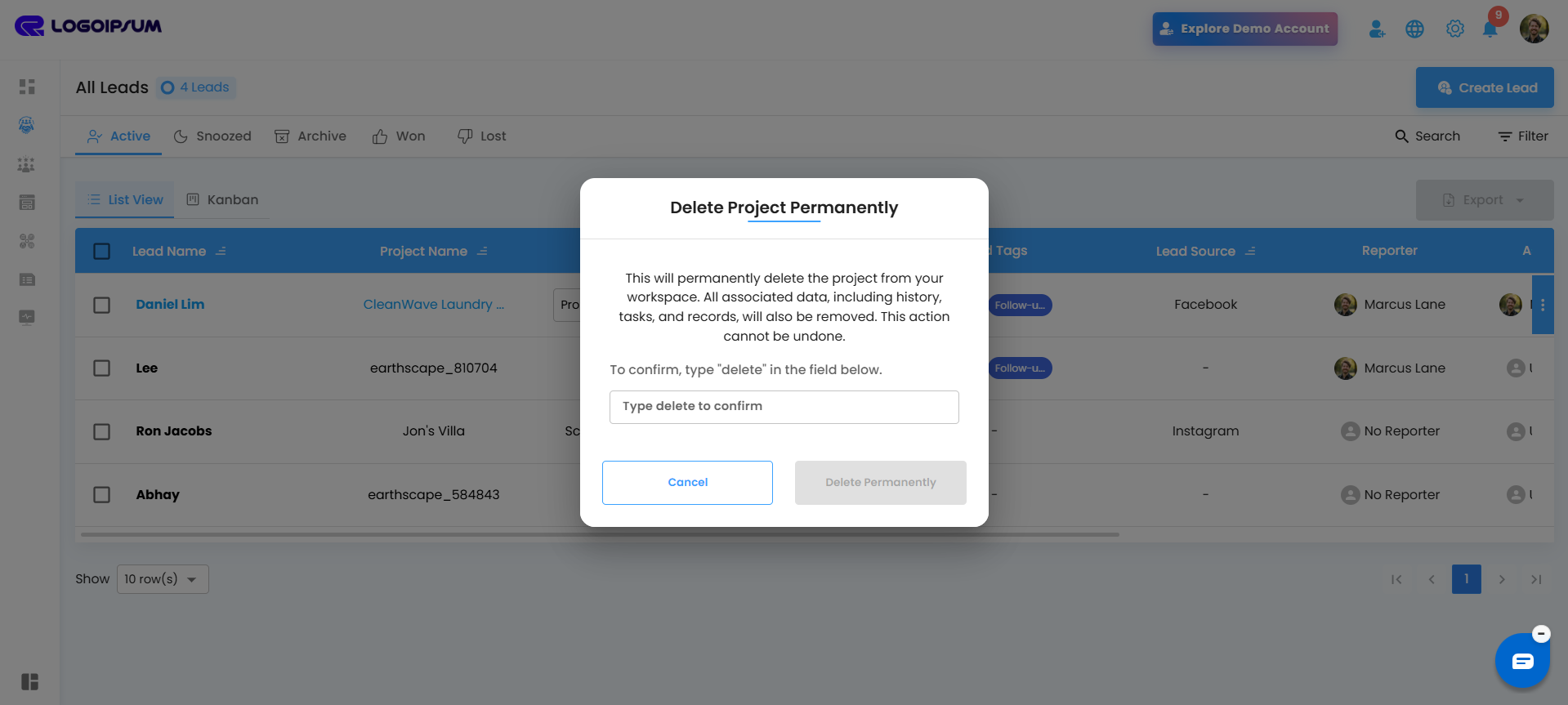
Important Note
Deleted leads cannot be recovered. Make sure you confirm carefully before deleting any lead or related project data.
Pro Tip: Archive or Snooze leads instead of deleting them if you may need the information again in the future.
Was this article helpful?
That’s Great!
Thank you for your feedback
Sorry! We couldn't be helpful
Thank you for your feedback
Feedback sent
We appreciate your effort and will try to fix the article