Communication Email - Sending Emails From Your Own Address
Overview
Whenever the system sends an email on your behalf - a proposal, an estimate reminder, a meeting invite - it goes out from the address set up here. This is where you control what email address your leads and clients actually see it coming from.
Getting There
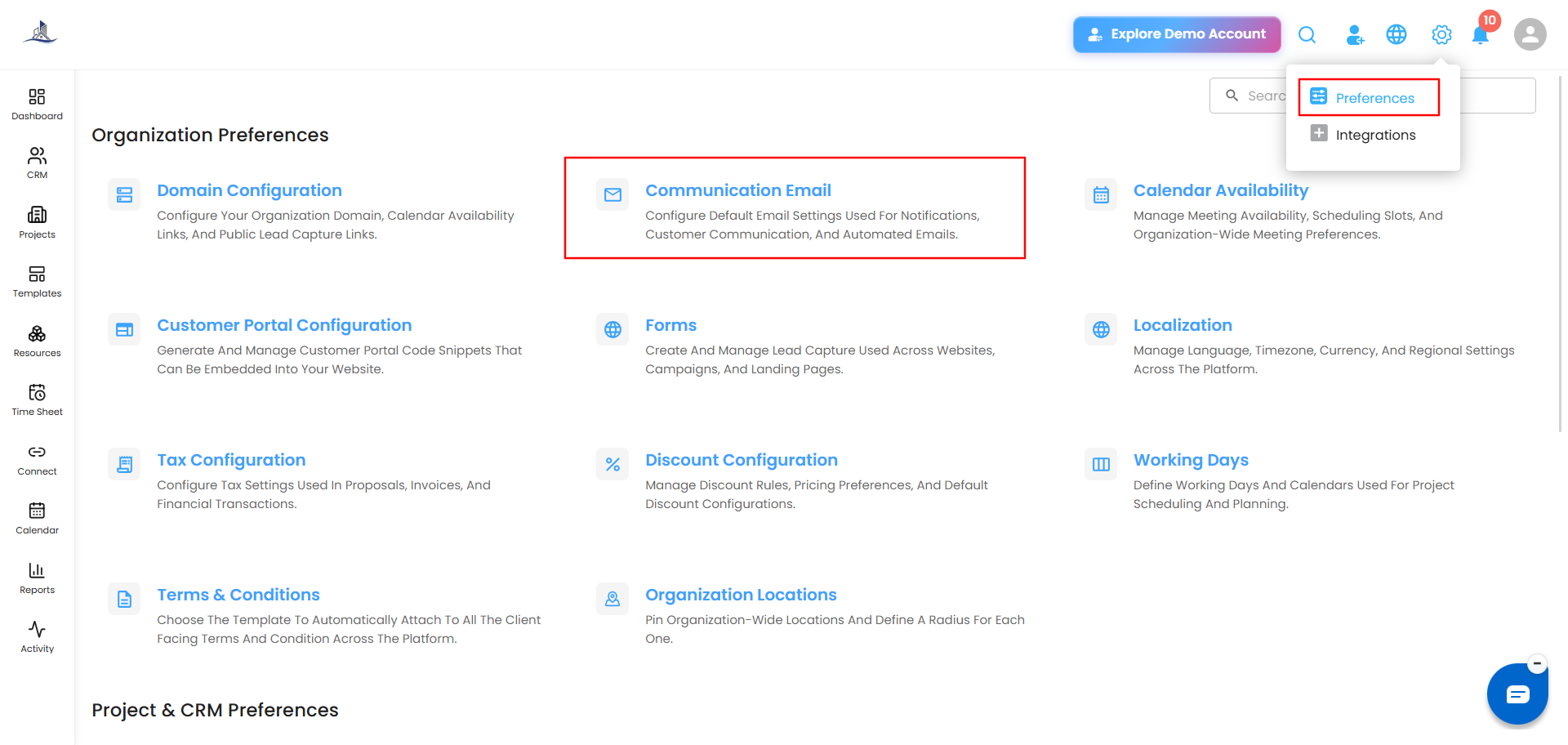
Click Settings in the top right, select Preferences, then go to Communication Email.
Updating Your Email Address
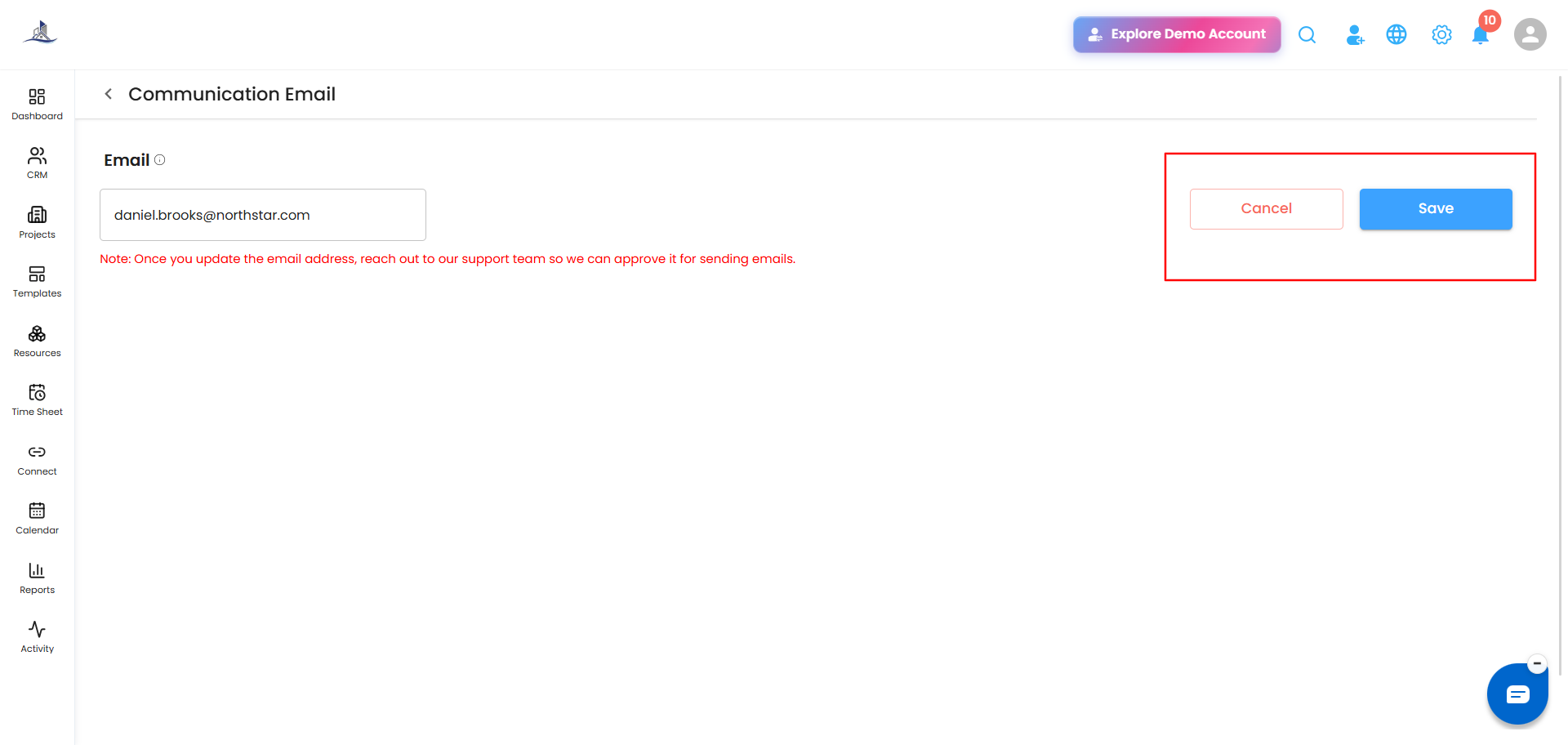
- Click Edit next to the Email field.
- Enter the email address you'd like to send from.
- Save your changes.
One Extra Step After Updating
Once you change this address, reach out to our support team to let them know. We'll need to verify and set it up on our end before emails actually start going out from the new address - this is a required step to get the new address properly configured for sending.
Was this article helpful?
That’s Great!
Thank you for your feedback
Sorry! We couldn't be helpful
Thank you for your feedback
Feedback sent
We appreciate your effort and will try to fix the article