Domain Configuration - Managing Your Lead Capture Links
Overview
Your domain is the base web address the system uses to generate a set of ready-to-use links - one for your calendar availability, and one for each channel where leads can reach you (Facebook, Instagram, your website, and more). Instead of building these links yourself, you just copy and paste them wherever they're needed - your social profiles, your website, or anywhere else you want to capture leads from.
Getting to Domain Configuration
Click Settings in the top right, select Preferences, then go to Lead > Domain Configuration.
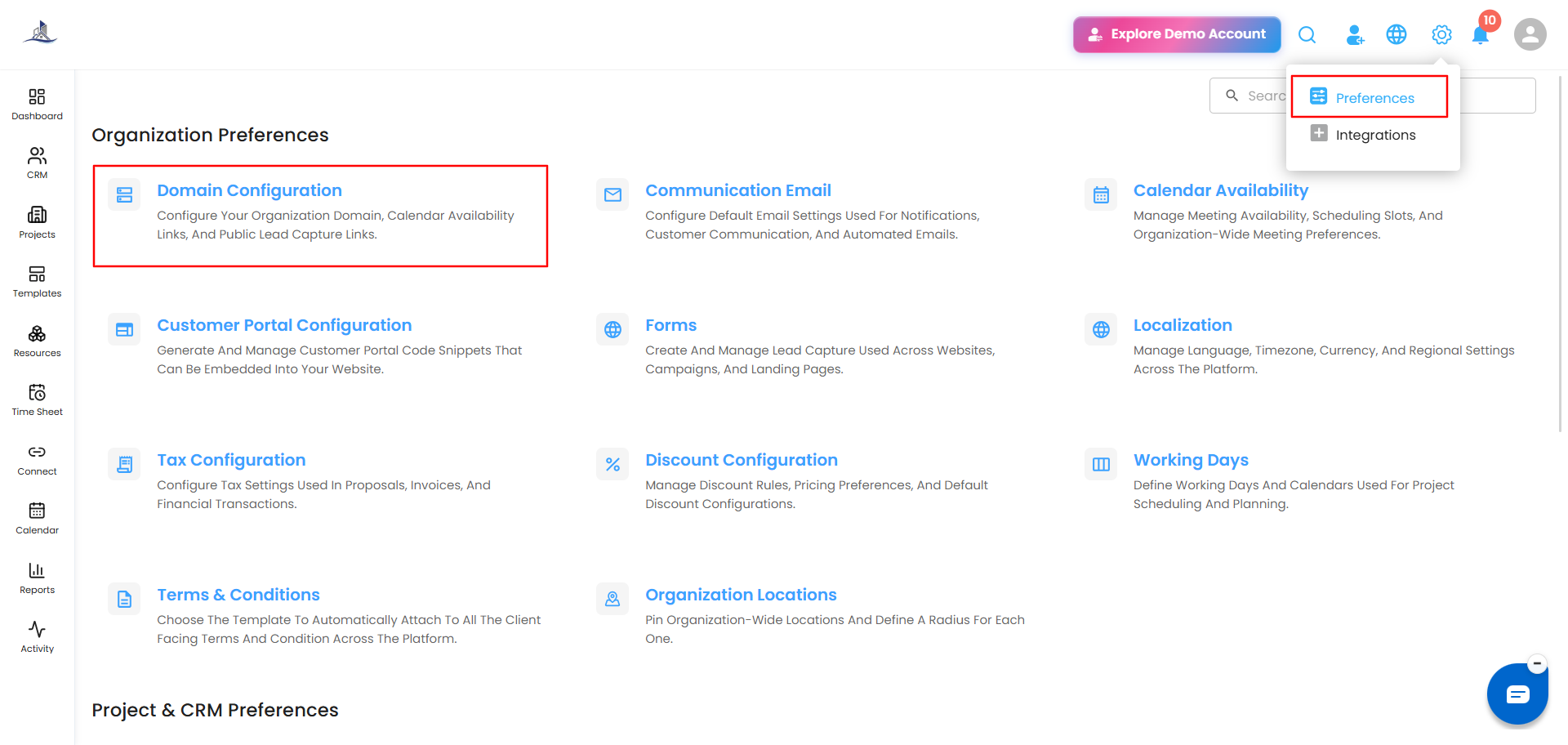
Domain Configuration
This shows your organization's base domain (e.g., yourcompany.intoaec.ai). Click the copy icon next to it to copy the domain to your clipboard.
To change it:
- Click Edit in the top right of this section.
- Update the domain as needed.
- Click Save to apply the change.
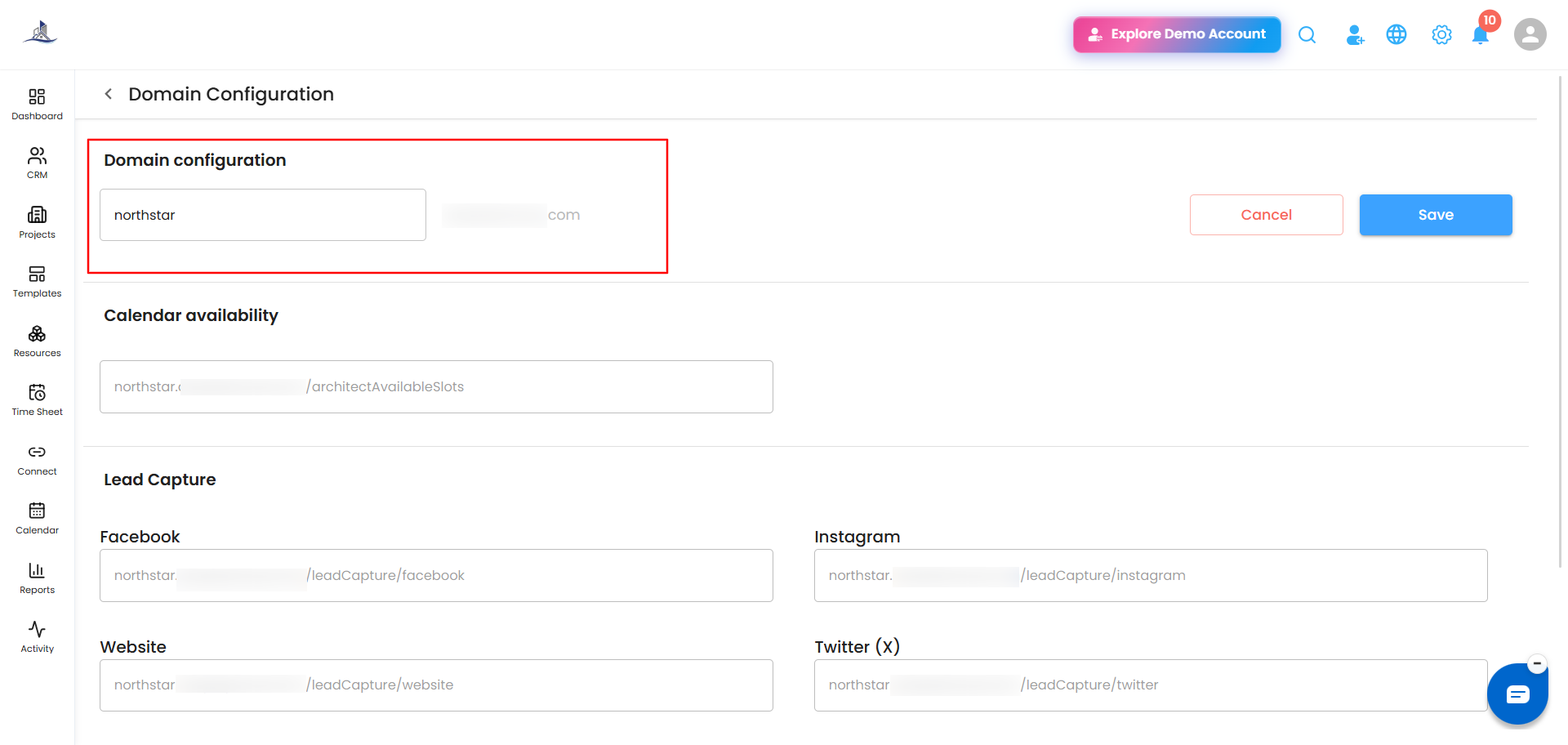
Calendar Availability
This link opens your bookable calendar slots, so leads or clients can view your availability and schedule time with you directly. Click the copy icon to grab the link and share it wherever needed — in an email, on your website, or in a message.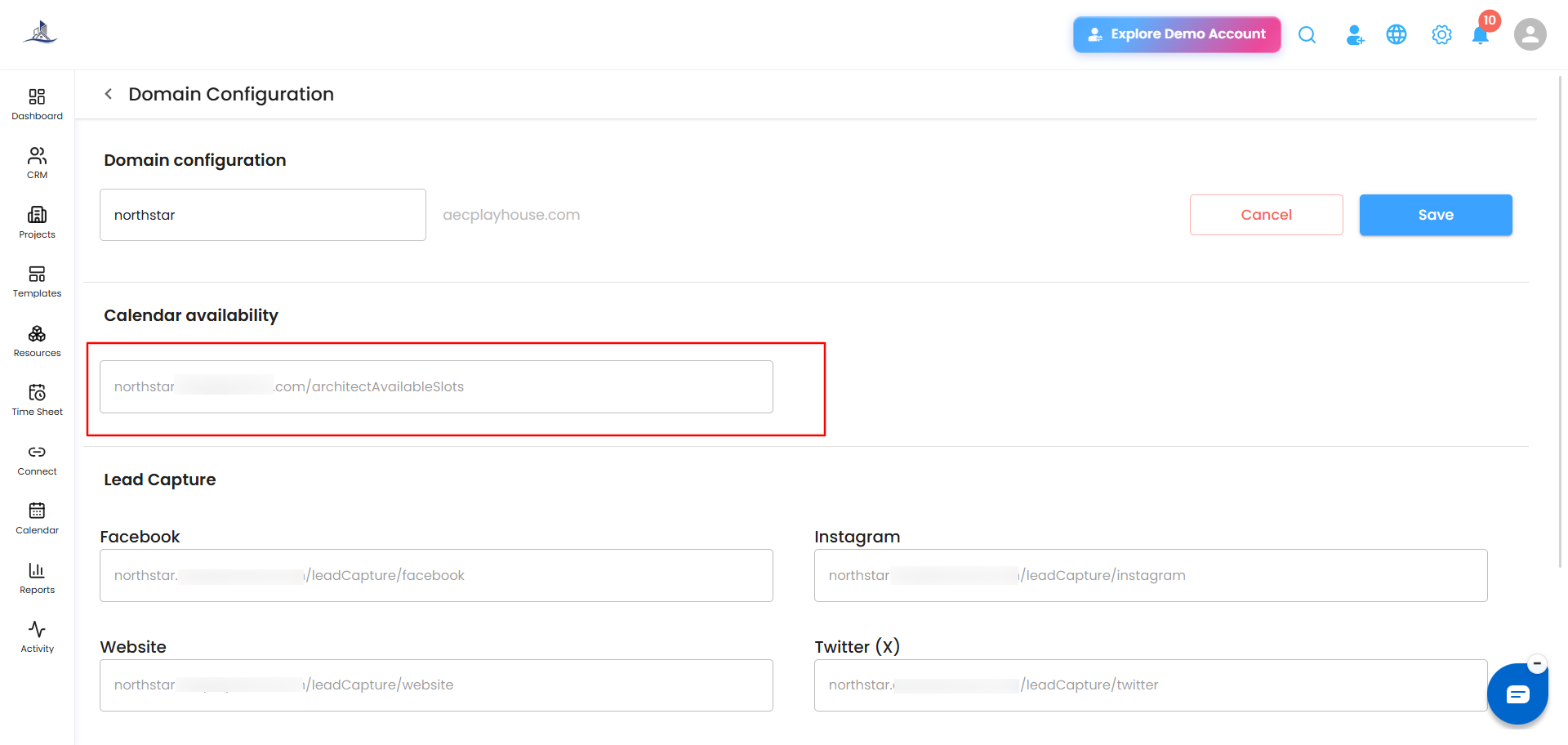
Lead Capture
Each of these fields gives you a unique link for a specific channel. When someone fills in their details through that link, a new lead is created automatically in your CRM - no manual entry needed:
- Website
- Twitter (X)
- YouTube
- TikTok
Click the copy icon next to any link to copy it, then paste it into that platform - for example, in your Instagram bio, your website's contact page, or a LinkedIn post. Anyone who submits their details through that link shows up as a new lead in your CRM automatically.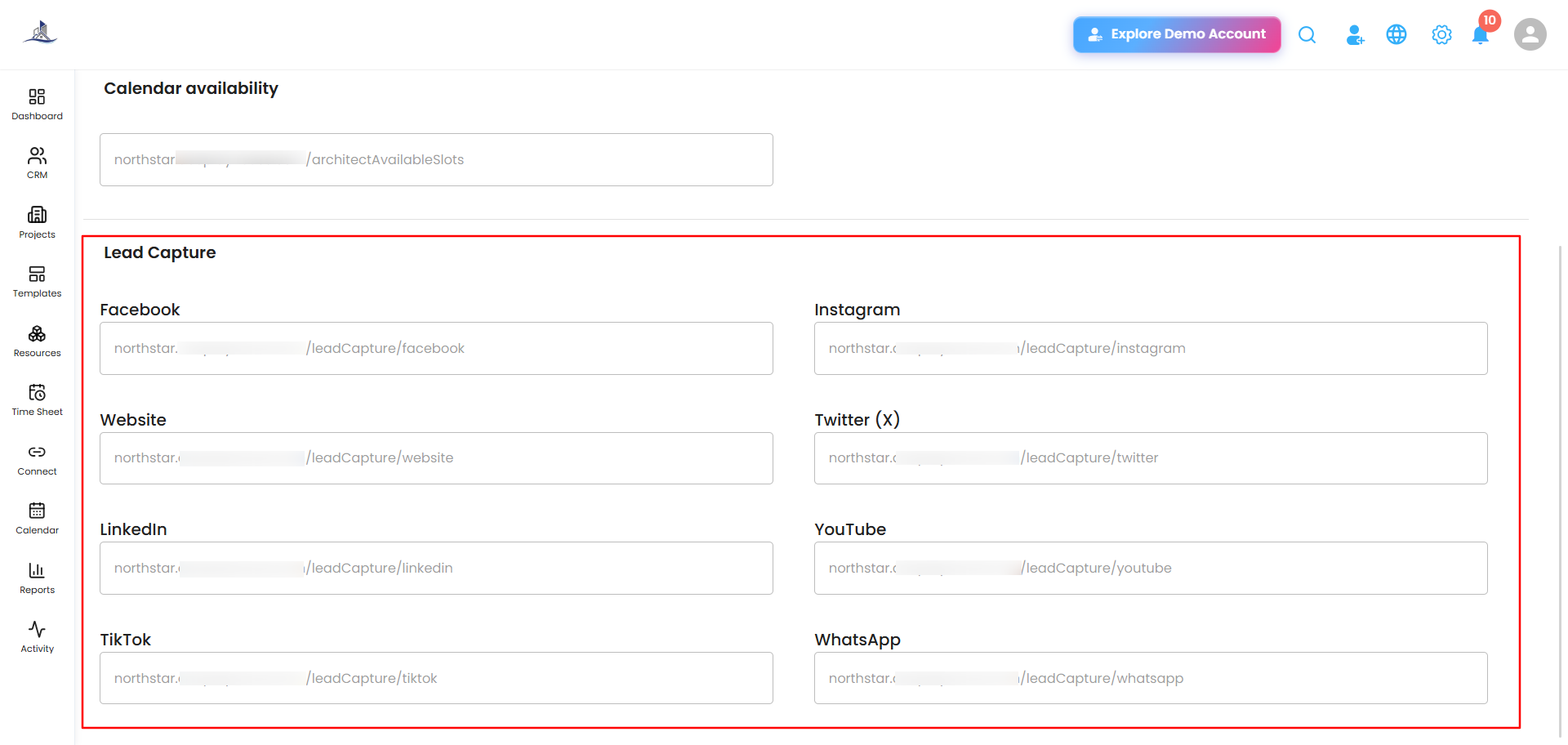
Was this article helpful?
That’s Great!
Thank you for your feedback
Sorry! We couldn't be helpful
Thank you for your feedback
Feedback sent
We appreciate your effort and will try to fix the article