Overview
Like Purchase Orders, Work Orders go through an approval step before they're finalized - so someone with the right permission signs off before work gets assigned and started.
Creator Flow
Users with Creator permission can enter Work Order details and submit them, but can't approve their own Work Order.
Requesting Approval
- Enter the Work Order details.
- Click Action.
- Select Request for Approval from the dropdown.
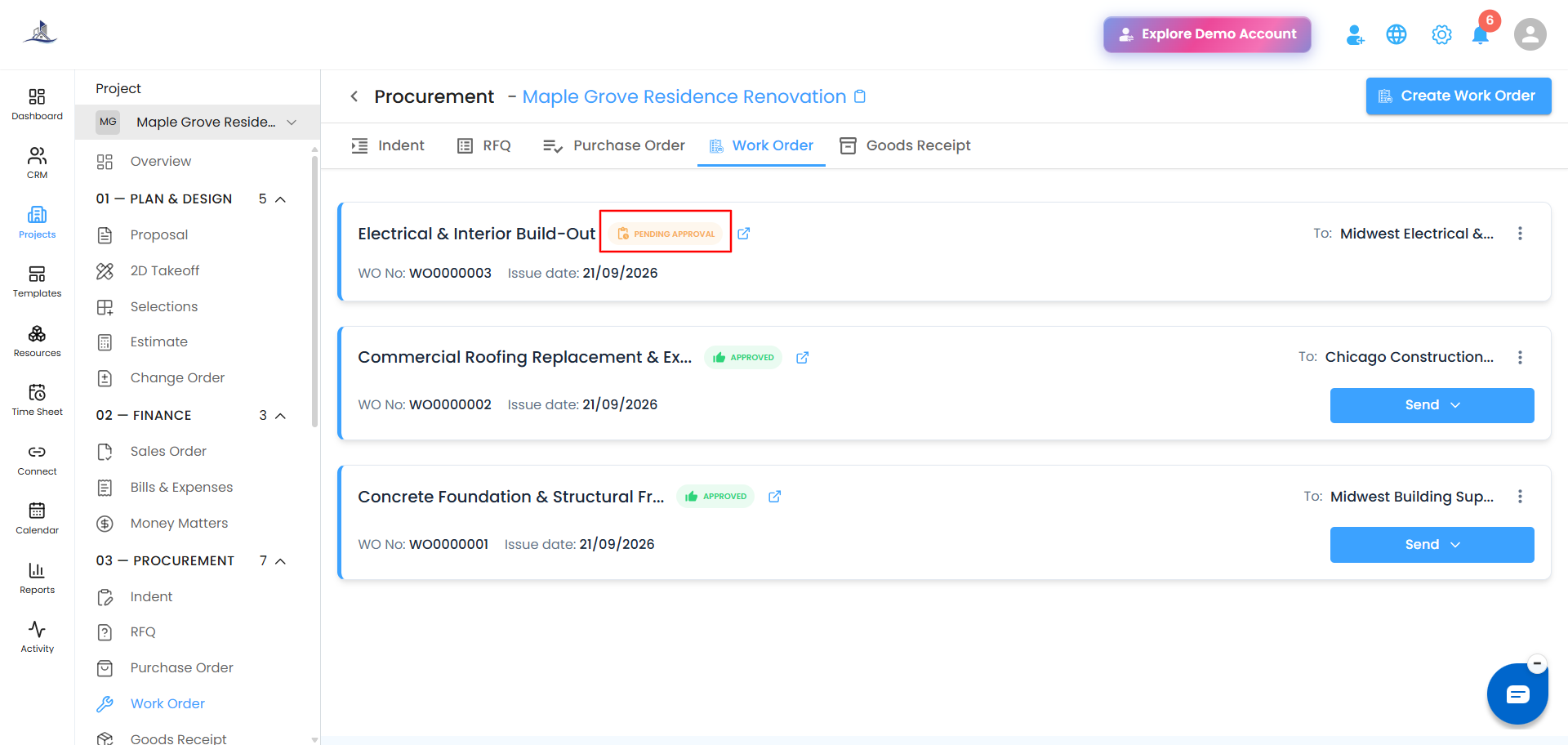
The Work Order is only actually created once you select this option, and its status is shown as Pending Approval. From here, the request goes to the approver or Super Admin.
Approver Flow
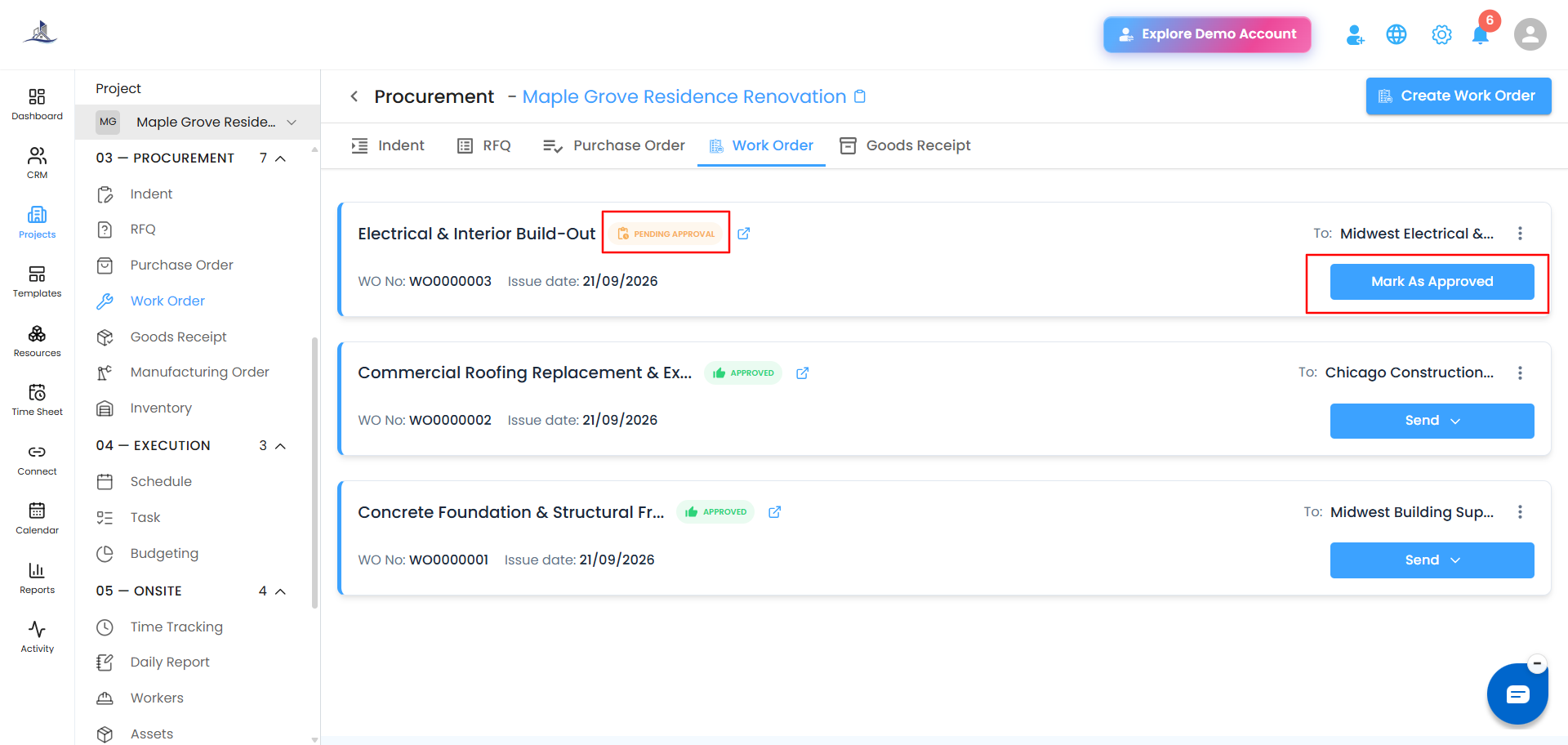
Approvers will see a Mark as Approved option on the Work Order. Once used, the status changes from Pending Approval to Approved.
Was this article helpful?
That’s Great!
Thank you for your feedback
Sorry! We couldn't be helpful
Thank you for your feedback
Feedback sent
We appreciate your effort and will try to fix the article