Overview
An Instant Proposal Form walks a prospect through sharing their service requirements and, where relevant, booking a slot - so you get qualified project details and a scheduled next step in one submission.
Getting Started
From the Forms dashboard, click Create, then select Instant Proposal.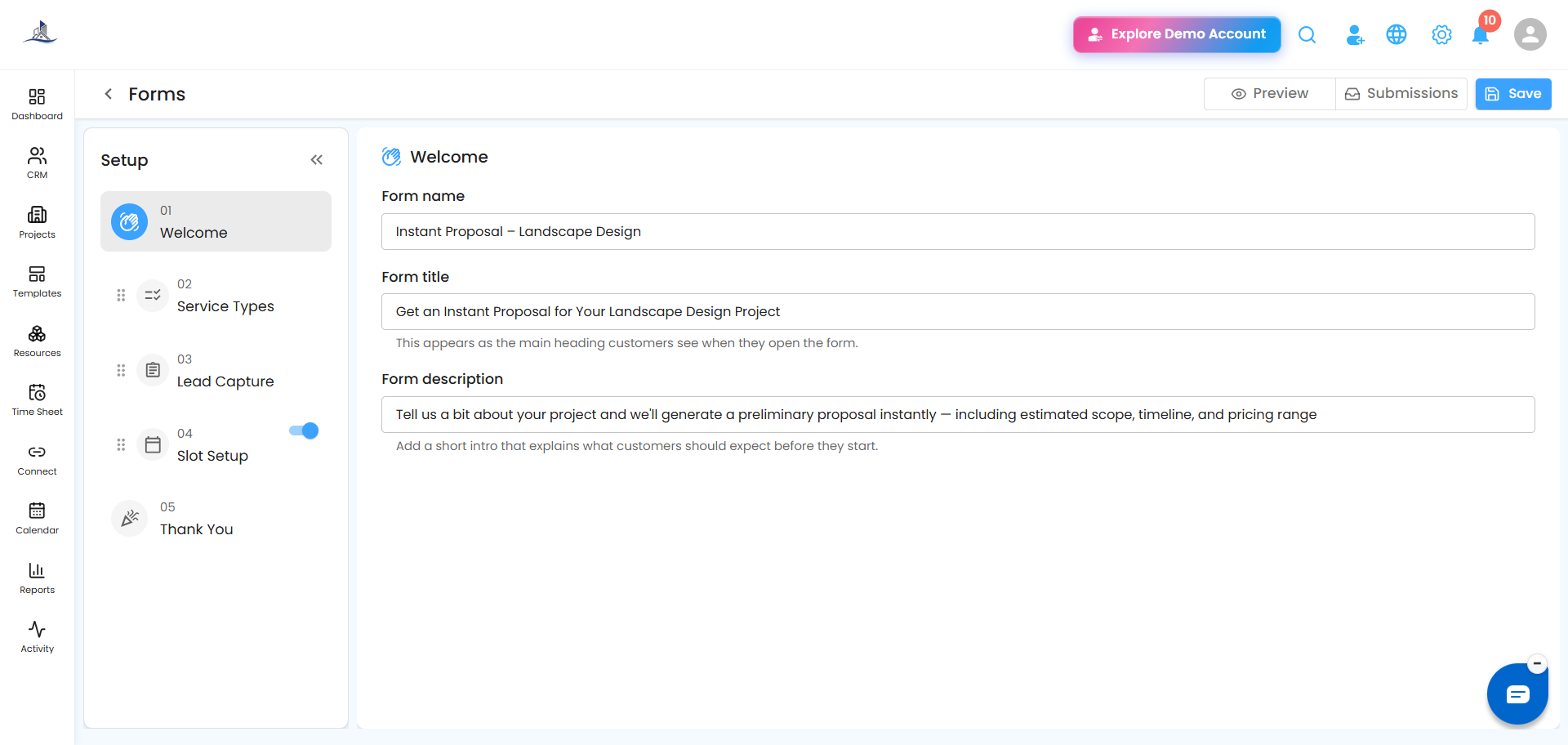
Step 1: Welcome
Set the Form Name, Form Title, and Form Description.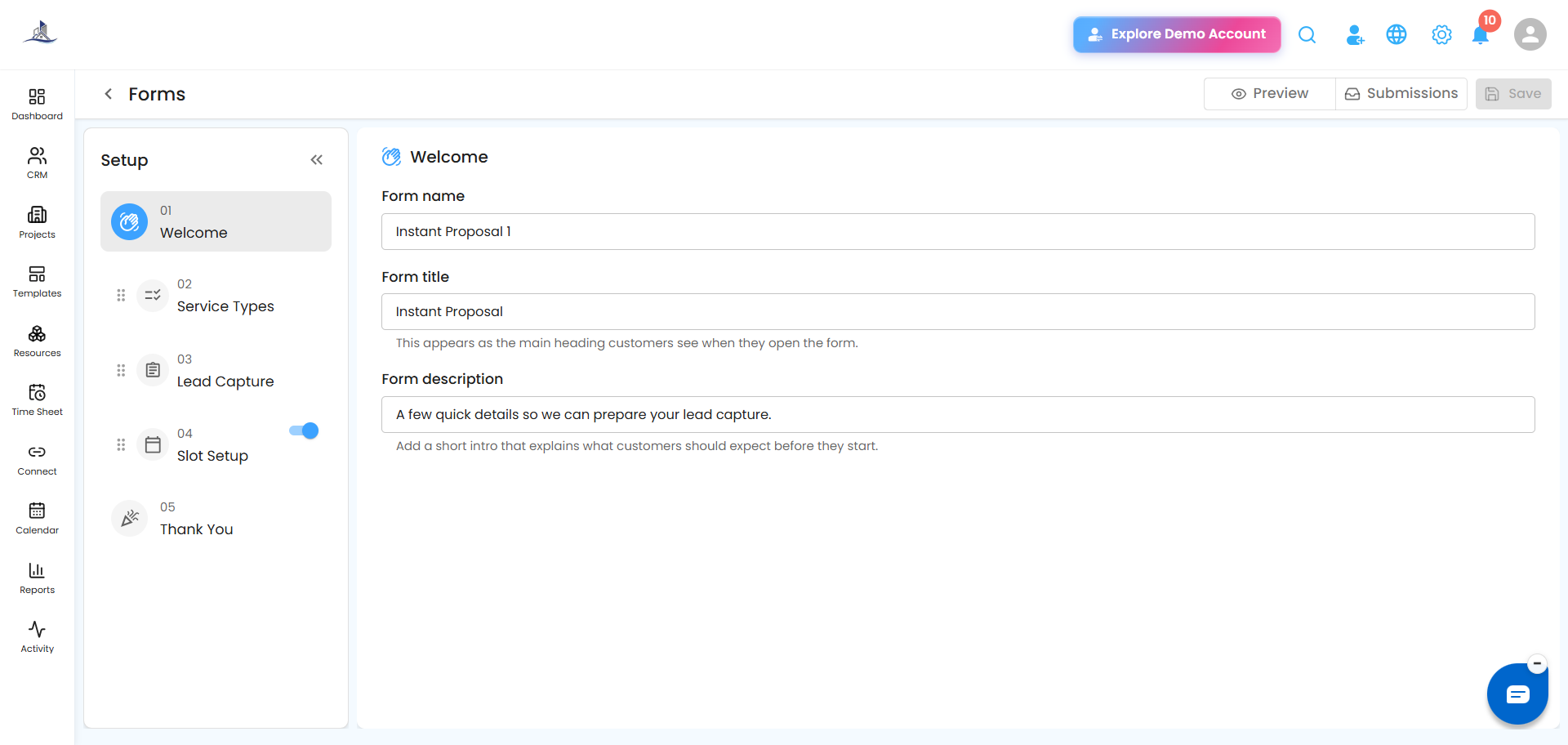
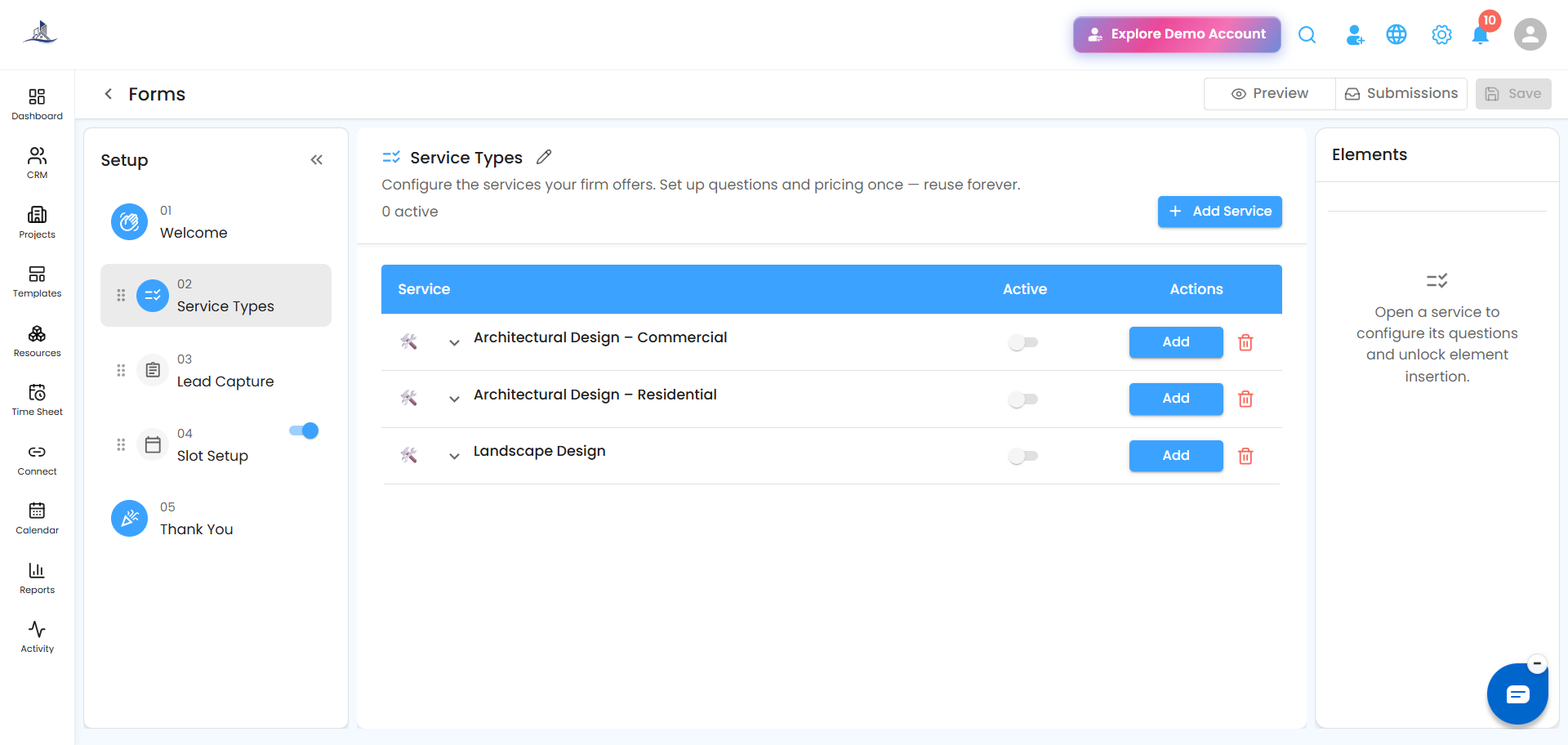
Step 2: Service Types
Configure the service categories customers can choose from - for example:
- Residential Cleaning
- Commercial Cleaning
- Interior Design
- Landscaping
- Construction Services
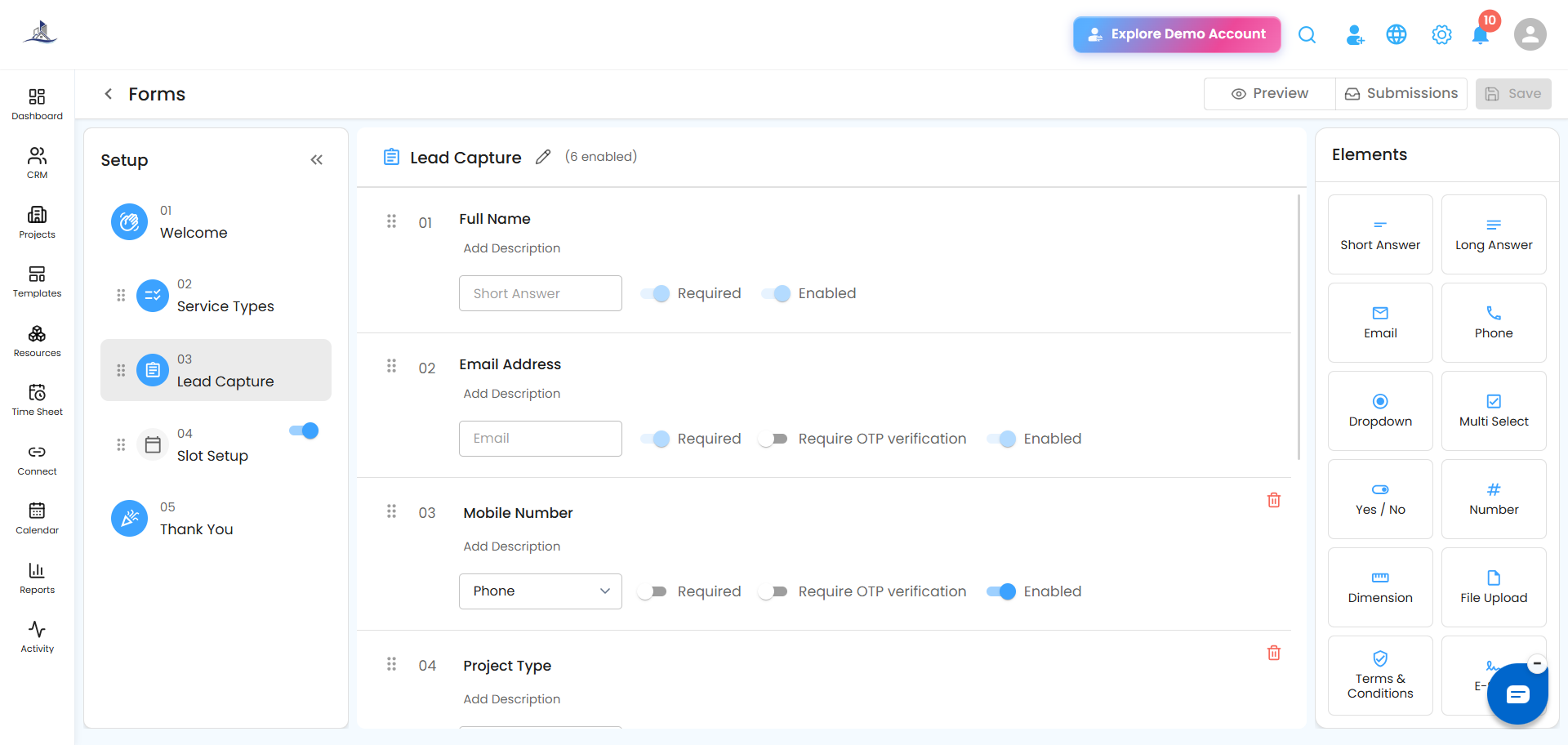
Step 3: Lead Capture
Collect the customer's contact details, same as a standard lead capture step.
 Step 4: Slot Setup
Let customers pick a time slot for:
- Meeting Slots
- Consultation Slots
- Site Visit Appointments
Step 5: Thank You
Write the final confirmation message shown after submission.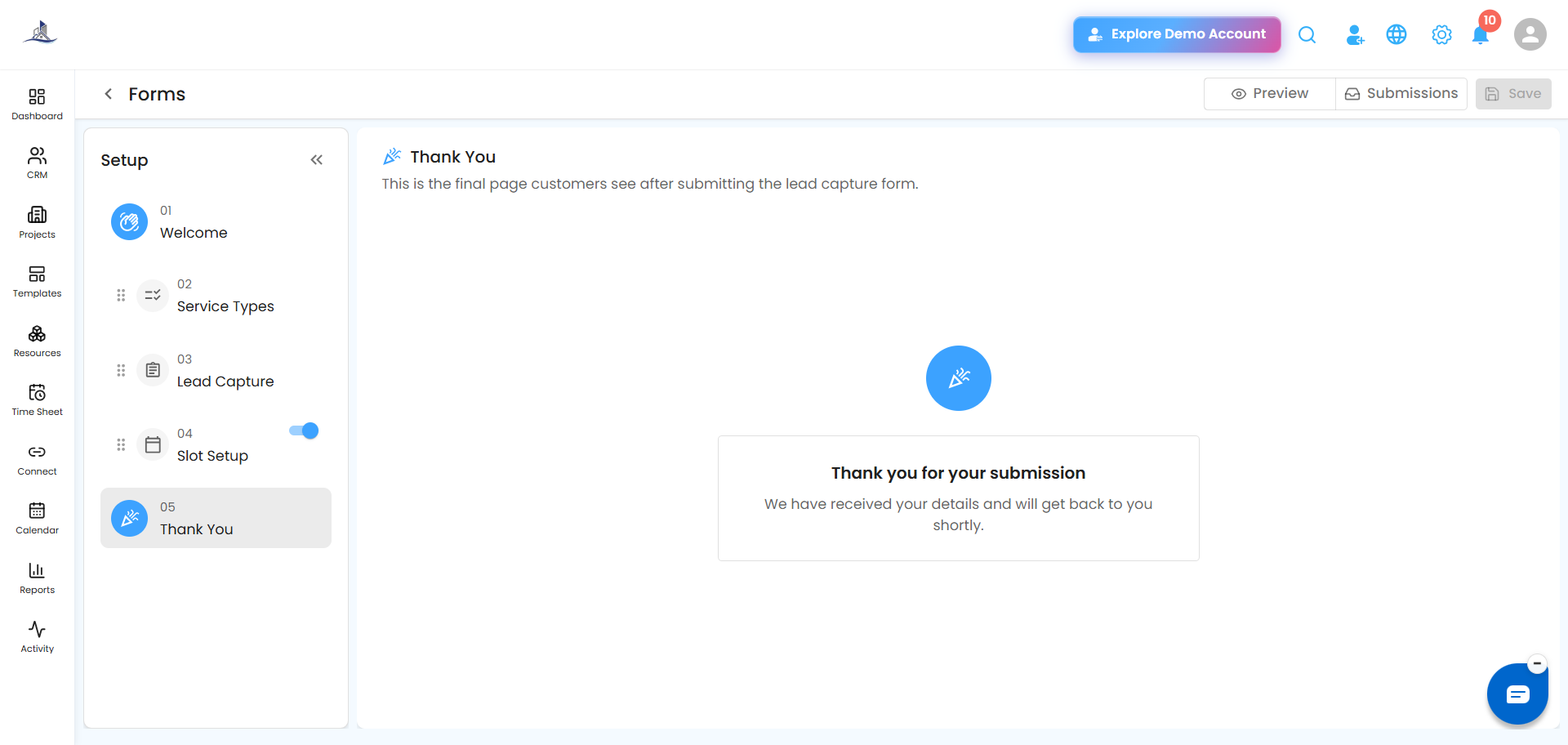
Why it's worth using: This form qualifies leads automatically, captures project requirements upfront, and lets customers book a slot in the same flow — cutting down the back-and-forth before a proposal even starts.
Was this article helpful?
That’s Great!
Thank you for your feedback
Sorry! We couldn't be helpful
Thank you for your feedback
Feedback sent
We appreciate your effort and will try to fix the article