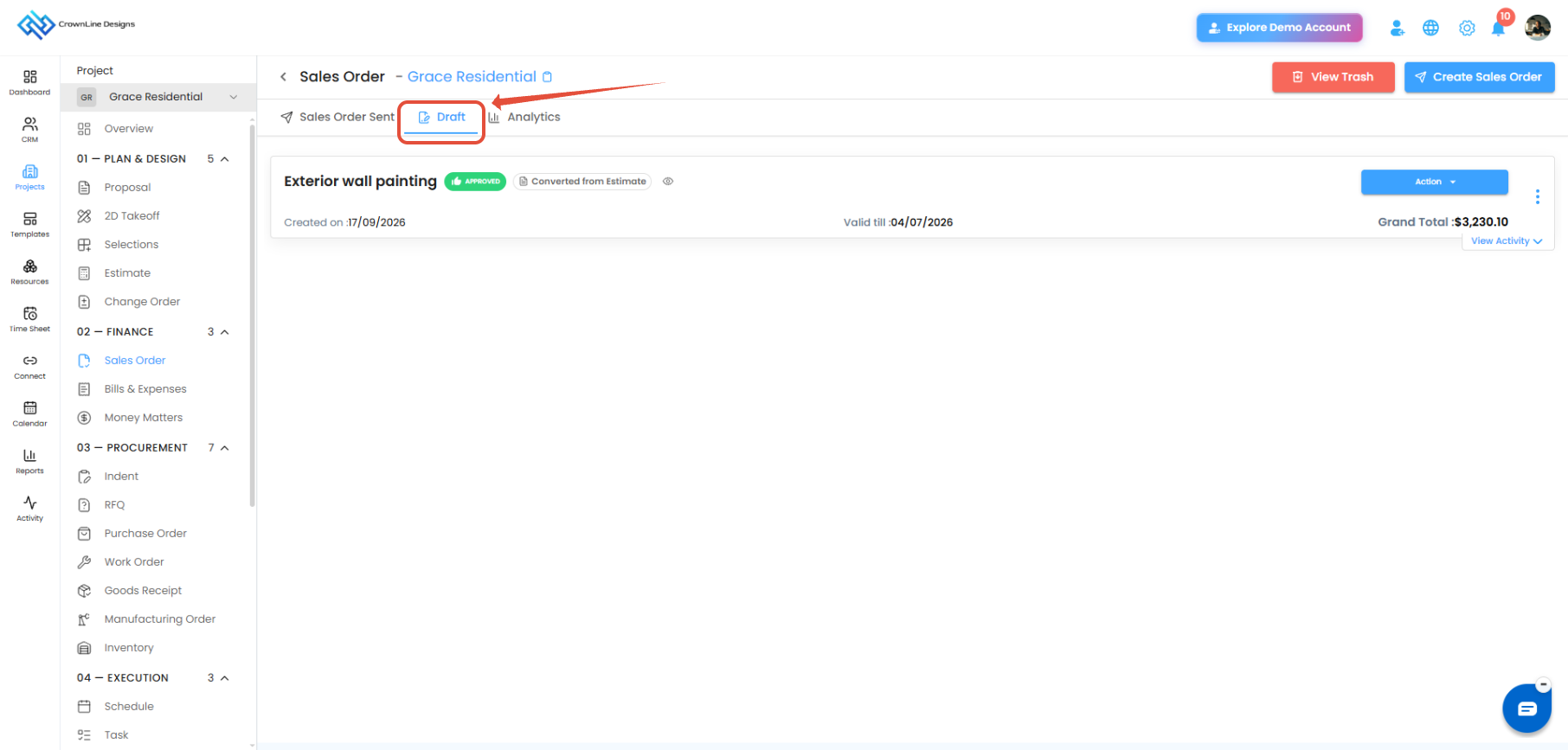
The Draft tab contains Sales Orders that have been saved but have not yet completed the sending workflow.
What Can You Do in Draft?
- Open and review a Sales Order.
- Edit manually created Sales Orders.
- Submit the Sales Order for approval.
- Continue the Sales Order workflow.
Sales Orders Created from Estimates
When an accepted estimate is converted into a Sales Order:
- The Sales Order is automatically added to Draft.
- It displays the Created from Estimate label.
- The converted Sales Order details cannot be edited.
Manually Created Sales Orders
For manually created Sales Orders:
- The Sales Order can be edited while in Draft.
- Required details can be updated before submitting it for approval.
Pro tip: Review your draft Sales Orders before submitting them for approval to ensure all order details are correct.
Was this article helpful?
That’s Great!
Thank you for your feedback
Sorry! We couldn't be helpful
Thank you for your feedback
Feedback sent
We appreciate your effort and will try to fix the article