Use Add Count to count elements like doors, windows, columns, etc.
How to Add Count
Click Add Count tool
Select an existing group OR create a new one
Click on the plan where the item exists
Each click adds +1 count
Count appears under the selected section as Nos
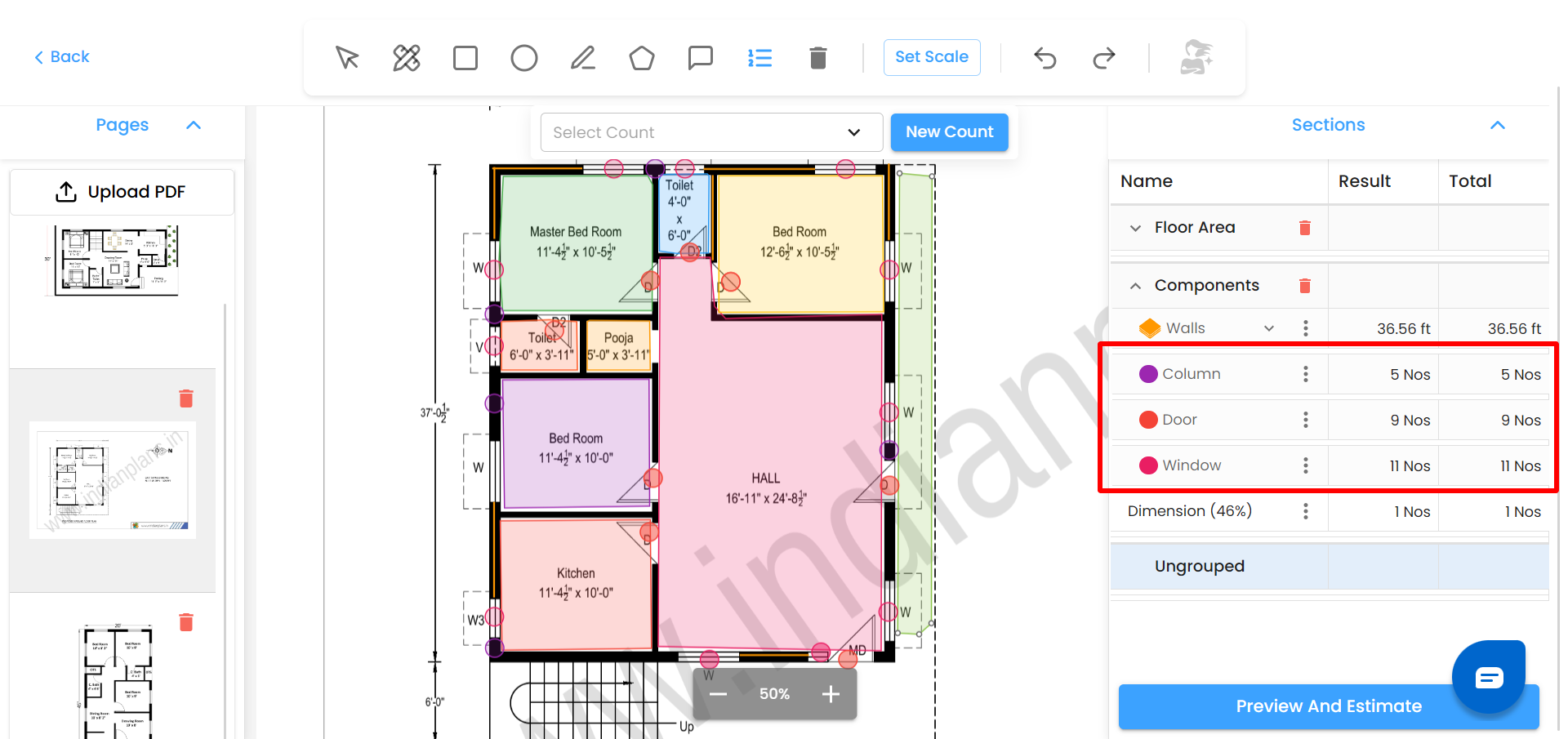
If no group exists, the system allows you to create one instantly.
Was this article helpful?
That’s Great!
Thank you for your feedback
Sorry! We couldn't be helpful
Thank you for your feedback
Feedback sent
We appreciate your effort and will try to fix the article