Task and Schedule Tags – Organize Your Work
Task and Schedule Tags help you categorize tasks and schedules using labels that make them easier to identify and manage.
Where to Find Task and Schedule Tags – Quick Access
Navigate to Settings.
Select Preferences.
Under Project & CRM Preferences, click Task And Schedule Tags.
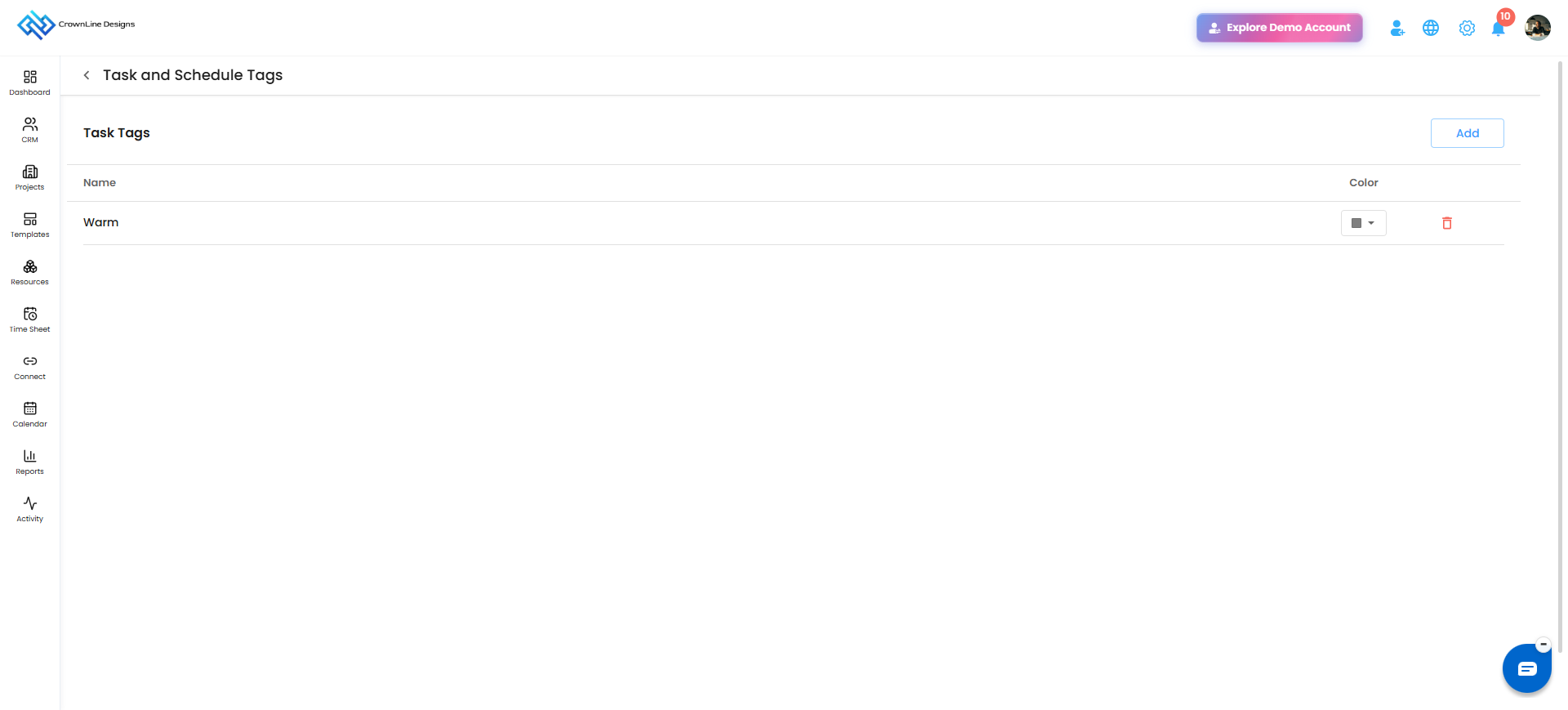
What You Can Do Here
Add Tags: Create reusable tags for tasks and schedules.
Change Tag Colour: Assign colours to tags for better visibility.
Delete Tags: Remove tags that are no longer required.
Using Tags in Tasks and Schedules
Apply tags while creating or managing tasks and schedules.
Use colour-coded tags to identify and organize work more easily.
Pro tip: Use consistent and meaningful tags to improve work organization and make important tasks and schedules easier to identify.
Was this article helpful?
That’s Great!
Thank you for your feedback
Sorry! We couldn't be helpful
Thank you for your feedback
Feedback sent
We appreciate your effort and will try to fix the article