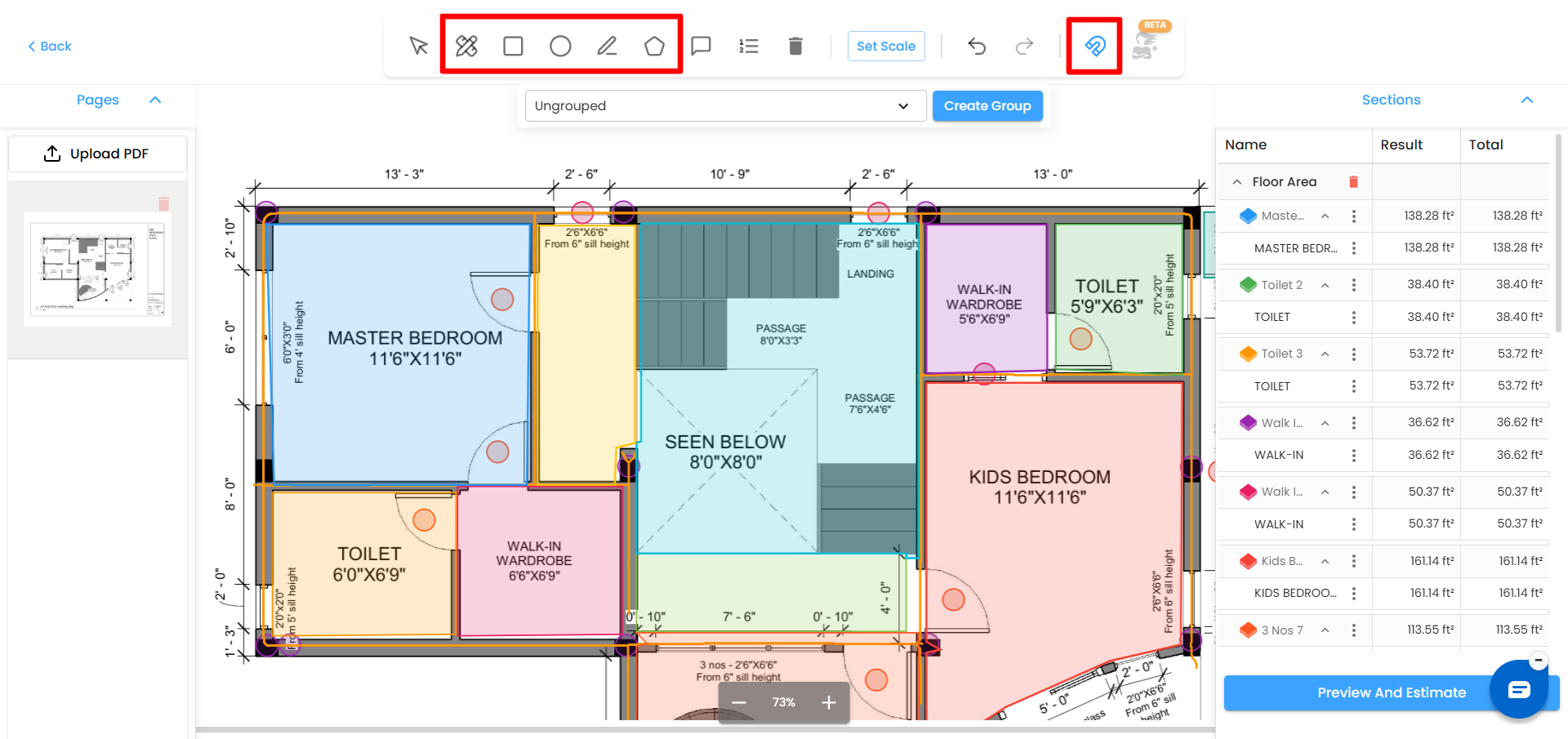
Manual Drawing Tools
Line – Measure linear distances
Square – Measure rectangular areas
Polygon – Measure irregular shapes
Circle – Measure circular areas
Measure – Quick distance check between two points
Hover over any icon to see its tooltip.
Editing Shapes
Click to select any shape
Drag to move it
Resize using edge points
Hover to see measurement tooltip
Delete using the delete icon
Snap Mode for Shapes
Snap Mode makes aligning shapes to the edges of the 2D plan more intuitive. When you move a shape, it automatically snaps to the nearest edges of the plan, helping to align your shapes accurately. This feature simplifies the process of attaching shapes and ensures precision when placing objects.
Was this article helpful?
That’s Great!
Thank you for your feedback
Sorry! We couldn't be helpful
Thank you for your feedback
Feedback sent
We appreciate your effort and will try to fix the article