Este artículo no está disponible en Spanish (Latin America); accede a la versión en English.
Sections & Groups
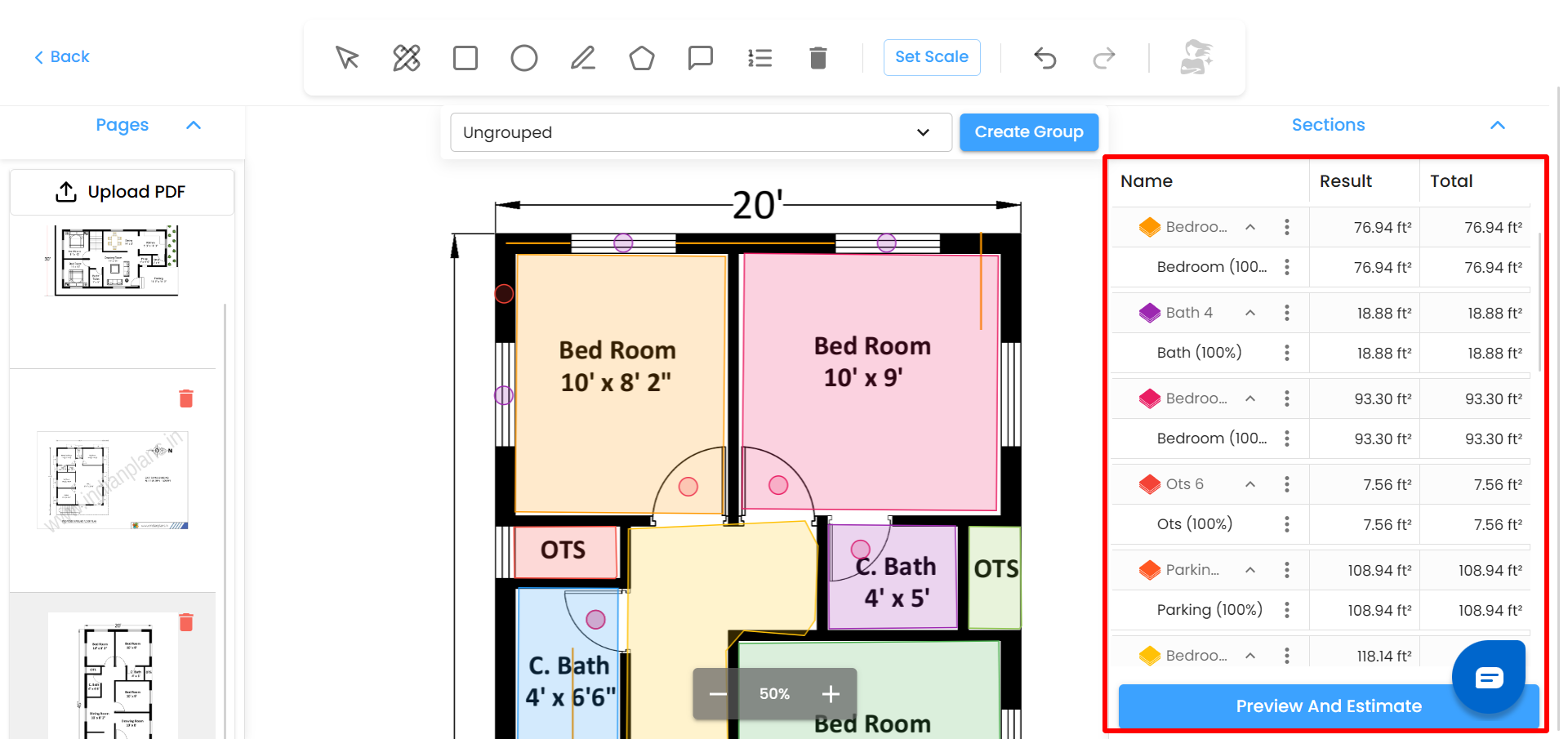
Measurements are organized into Sections
Default section: Ungrouped (cannot be renamed)
You can:
Create new sections
Rename sections
Expand / collapse sections
Move measurements between sections (if units match)
Each section shows:
Name
Individual results
Total measurement
Editing Measurements
Rename measurements by double-clicking
Edit dimensions (height/width or depth)
Only one dimension can be edited at a time for area shapes
System auto-recalculates totals
Was this article helpful?
That’s Great!
Thank you for your feedback
Sorry! We couldn't be helpful
Thank you for your feedback
Feedback sent
We appreciate your effort and will try to fix the article