Este artículo no está disponible en Spanish (Latin America); accede a la versión en English.
Annotations help you add notes directly on the drawing.
How Annotations Work
Click Add Annotation
Click anywhere on the plan
Enter your comment in the text field
An arrow marker appears on the selected spot
Drag the arrow to reposition if needed
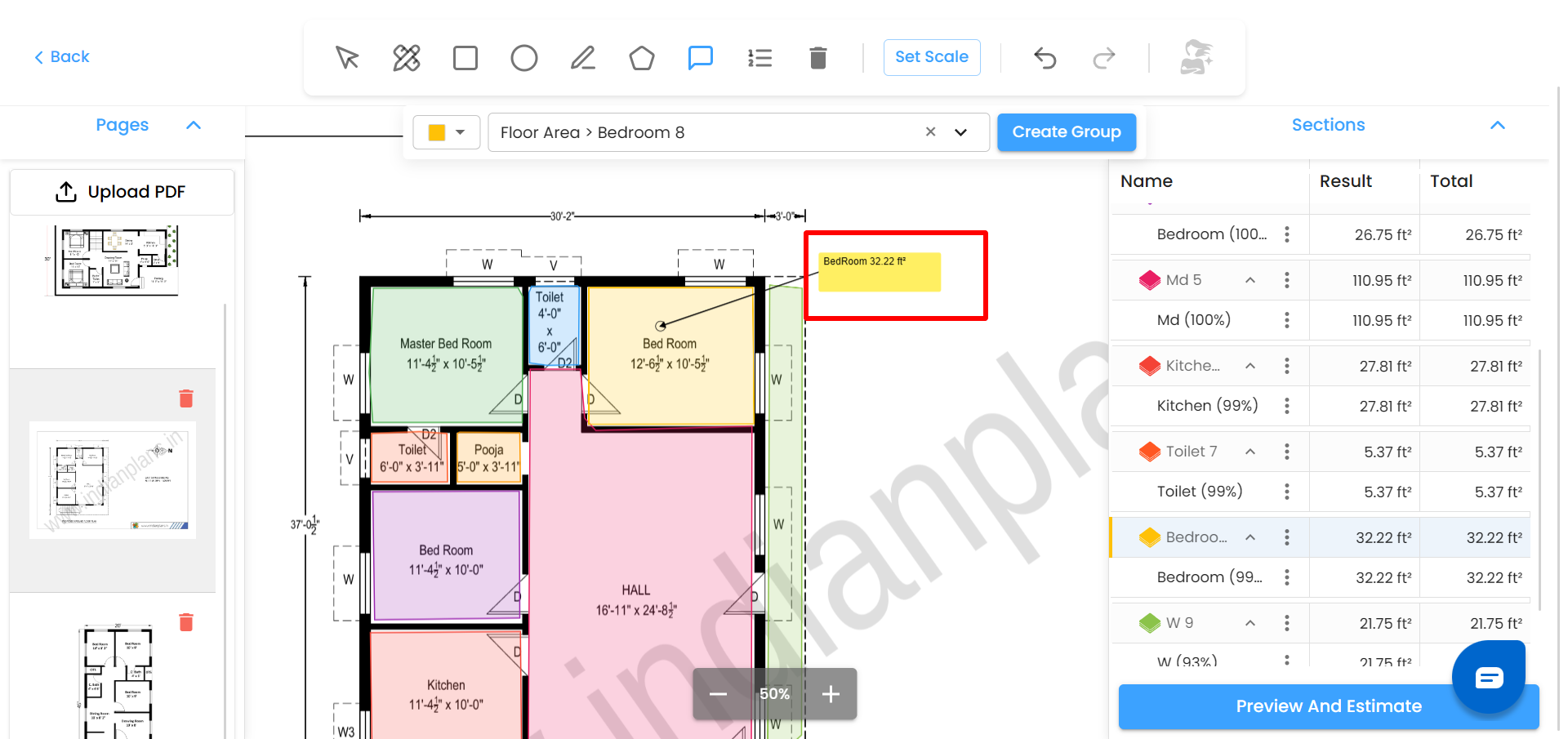
Annotations are visual-only and do not affect measurements.
Was this article helpful?
That’s Great!
Thank you for your feedback
Sorry! We couldn't be helpful
Thank you for your feedback
Feedback sent
We appreciate your effort and will try to fix the article