Feature Customization – Control Your Organization’s Features
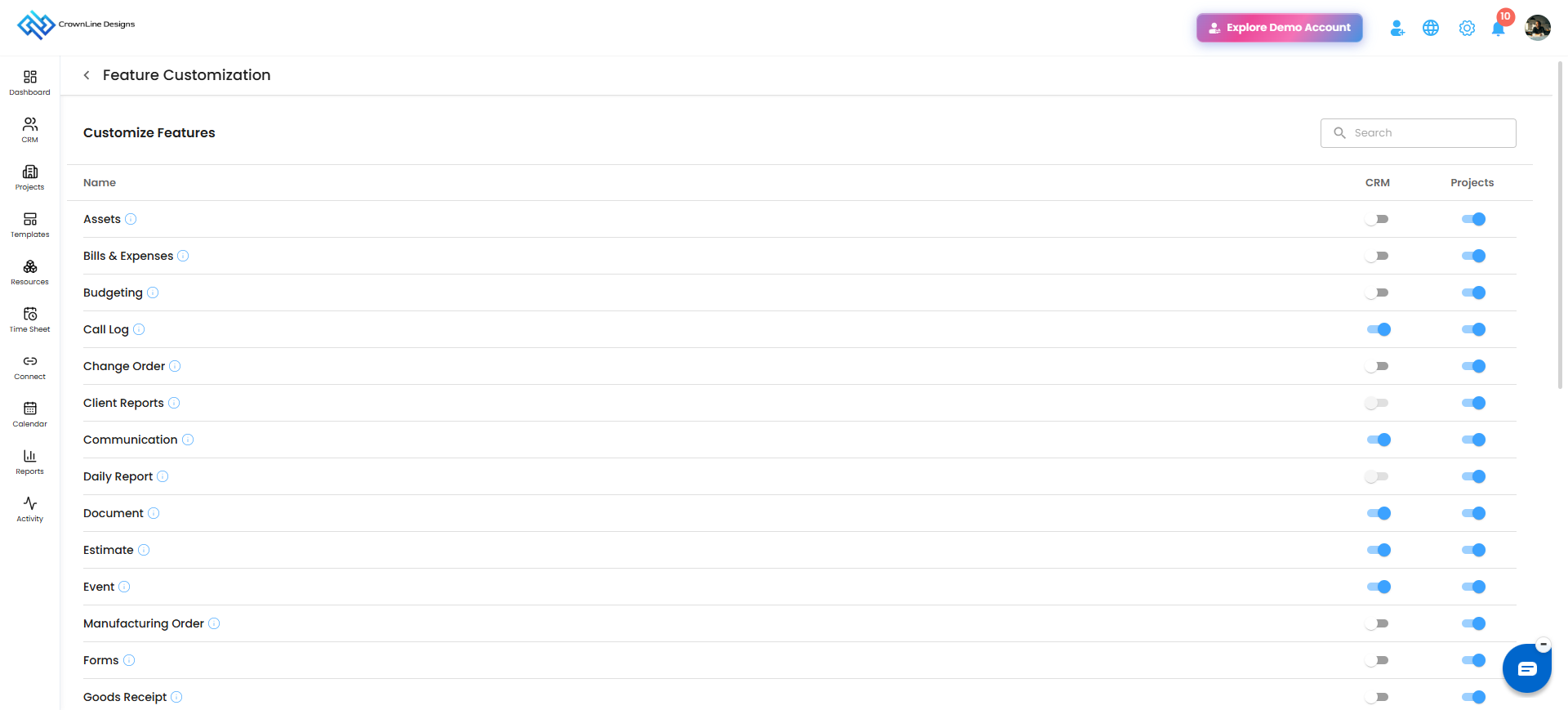
Feature Customization allows you to control which Project and CRM features are active in your organization. This helps you configure the platform according to your organization's workflow and requirements.
Where to Find Feature Customization – Quick Access
Navigate to Settings.
Select Preferences.
Under Project & CRM Preferences, click Feature Customization.
What You Can Do Here
Enable or Disable Features: Use the Active/Inactive toggle to control the availability of individual features.
Manage Project Features: Activate or deactivate features related to Projects.
Manage CRM Features: Activate or deactivate features related to CRM.
Search Features: Use the search option to quickly find a specific feature.
Pro tip: Enable only the features your organization needs to keep your workspace focused and aligned with your workflow.
Was this article helpful?
That’s Great!
Thank you for your feedback
Sorry! We couldn't be helpful
Thank you for your feedback
Feedback sent
We appreciate your effort and will try to fix the article